Laptop vs. Desktop: Which Setup Fits Your Life?

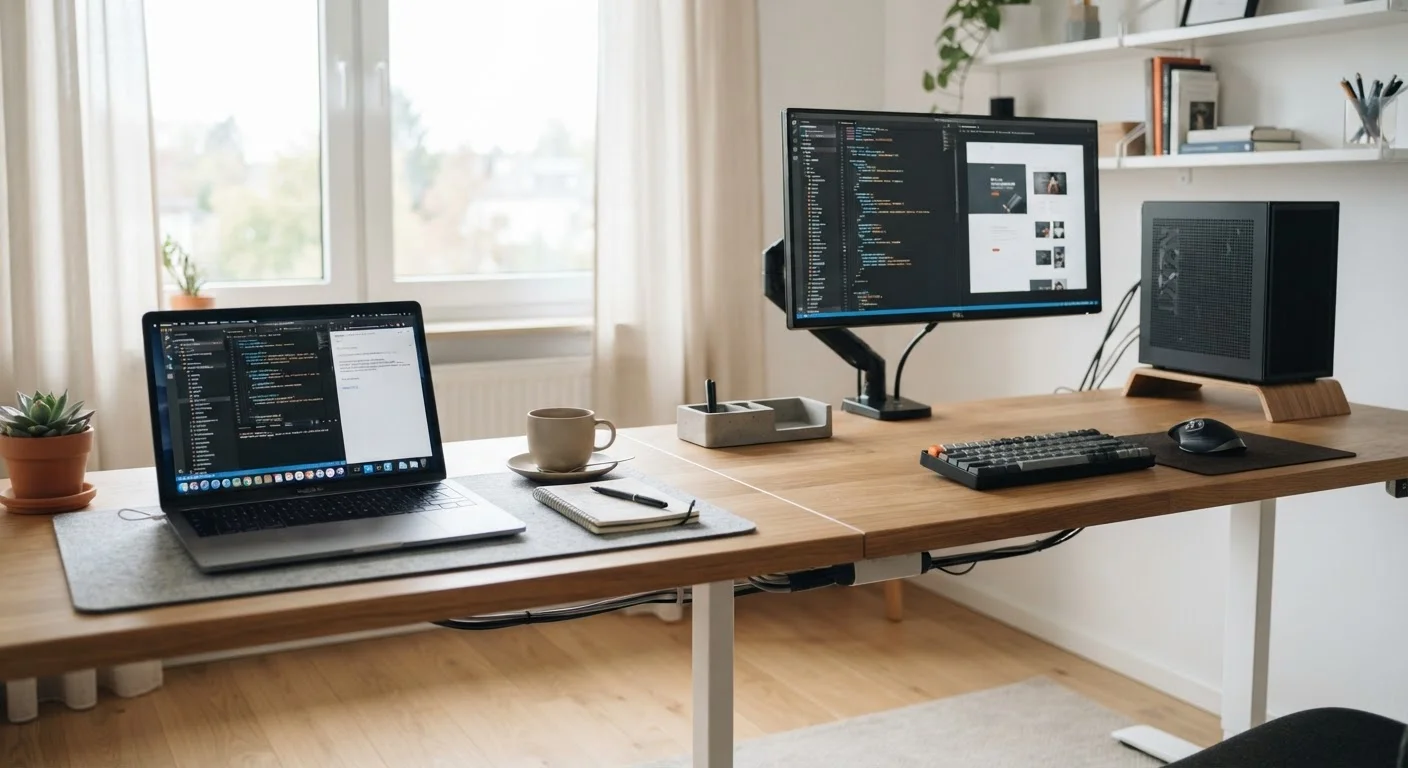
Photo: UnlockTopics.com | Unlocking Trending Content editorial
Key Takeaways
- Laptops prioritize portability; desktops prioritize sustained performance and long-term value.
- Desktops are generally easier and cheaper to upgrade or repair over time.
- Laptops consolidate screen, keyboard, battery, and computer into one device — desktops do not.
- Your daily routine and workspace setup should drive the decision more than specs alone.
- Neither form factor is universally superior — context determines which works harder for you.
The Core Difference: One Device vs. a System
A laptop is a self-contained unit: screen, keyboard, trackpad, battery, and computer hardware all in one chassis. A desktop is a system — typically a separate tower or case that requires a monitor, keyboard, and mouse to be useful. That structural difference shapes nearly every other trade-off between the two.
Laptops win on convenience. You unpack one device, open it, and you're working. Desktops require a more deliberate setup — cables, peripherals, and a permanent surface — but that investment pays off in other ways. If you're already weighing whether a tablet might cover your needs instead, see our guide to tablets vs. laptops for a closer look at that comparison.
| Criterion | Laptop | Desktop |
|---|---|---|
| Portability | Fully portable, battery-powered | Stationary, requires power outlet |
| Setup complexity | Open and use immediately | Requires monitor, keyboard, cables |
| Performance ceiling | Limited by thermal constraints | Higher sustained performance |
| Upgradability | Mostly limited or soldered | RAM, storage, GPU swappable |
| Space required | Minimal — folds flat | Dedicated desk area needed |
| Lifespan (typical) | 3–5 years for most users | 5–8 years with upgrades |
| Display flexibility | Built-in screen included | Choose your own monitor size |
| Repair accessibility | Often difficult; compact design | More accessible components |
Performance and Longevity: Where Desktops Hold the Advantage
Desktops can house larger, more powerful components than laptops — bigger cooling systems, full-size processors, and dedicated graphics cards that run without the thermal constraints a compact chassis creates. In practical terms, this means sustained performance under heavy tasks like video editing, 3D rendering, or running multiple applications simultaneously.
Upgradeability is another major factor. A desktop's RAM, storage, and sometimes graphics card can be swapped out over time, meaning you're not necessarily replacing the whole machine when it starts to feel slow. Laptops are more fixed — most modern models have soldered memory and limited internal access. For a deeper look at what to consider on the laptop side, our pre-purchase laptop walkthrough covers specs and features worth verifying before committing.
~60%
US households with a laptop as primary computer
Laptop ownership has consistently outpaced desktop ownership in US household surveys over the past decade, reflecting broader shifts toward mobile computing.
3–5 yrs
Typical practical lifespan for most laptops
Industry analysts and repair services commonly cite this range before hardware limitations or battery degradation meaningfully reduce usability.
2–3x
Potential cost of equivalent laptop vs. desktop components
Miniaturized laptop components — especially displays, batteries, and cooling systems — typically carry a premium over comparable desktop parts.
Portability, Space, and Lifestyle Fit
The clearest argument for a laptop is physical freedom. Whether you work from a kitchen table in the morning and a café by afternoon, or you simply don't have space for a permanent desk, a laptop accommodates that reality. It also means one charging cable, one device to back up, and one screen to care for.
Desktops demand a fixed home. That's a legitimate constraint for smaller living spaces, but it's also an advantage for ergonomics — you can invest in a proper monitor at eye level, a full-size keyboard, and an adjustable chair setup without compromising. If you're setting up that kind of workspace, organizing a functional home office offers practical strategies for making it hold up under daily use.
Connectivity Is Worth Checking Early
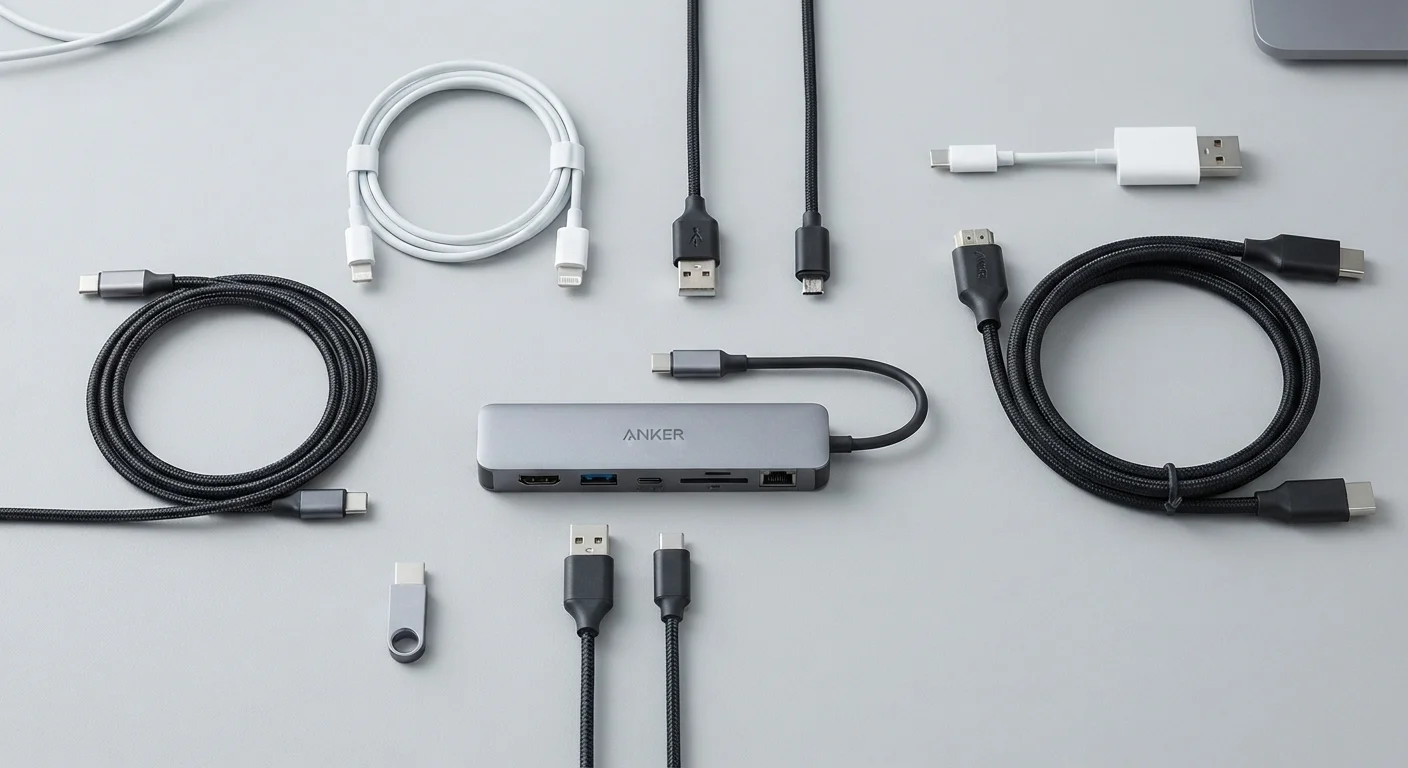
Once you've decided on a desktop, it's also worth thinking through form factor. Our article on all-in-one vs. traditional desktops breaks down the space and upgradability trade-offs between those two options. And when you're ready to get started with any new machine, setting up a new computer the right way walks through configuration from first power-on.
The content on this site is for informational purposes only and is not a substitute for professional advice. Always consult a qualified professional for guidance specific to your situation.