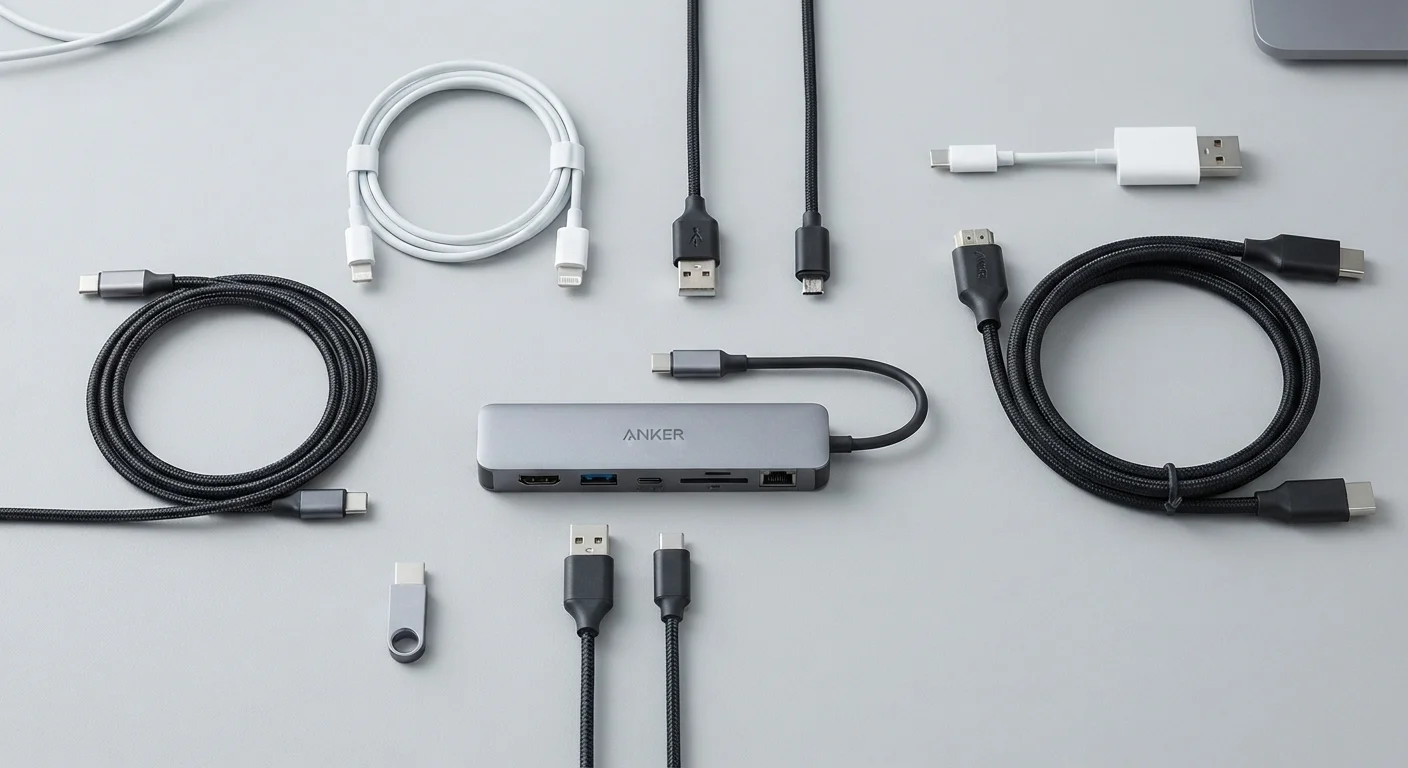
All-in-One vs. Traditional Desktop: Understanding the Trade-offs

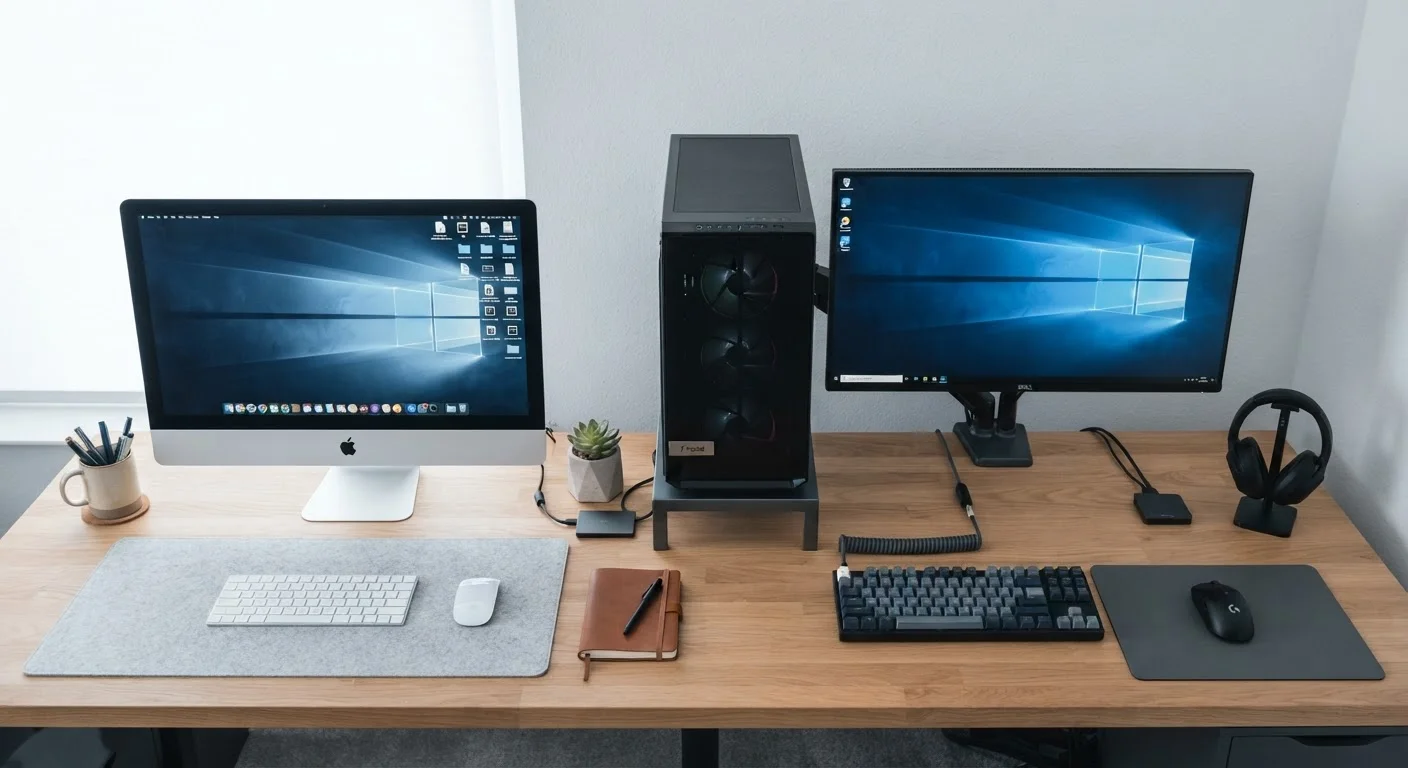
Photo: UnlockTopics.com | Unlocking Trending Content editorial
Key Takeaways
- All-in-one desktops integrate the computer and monitor into one unit, saving desk space but limiting internal upgrades.
- Traditional desktops offer far more flexibility for upgrading components like RAM, storage, and graphics cards over time.
- All-in-ones typically cost more for equivalent performance due to compact, proprietary engineering.
- Traditional setups require more cables and physical space but are easier and cheaper to repair.
- Your choice should hinge on how long you plan to own the machine and what you'll primarily use it for.
What Separates These Two Form Factors
A traditional desktop consists of a separate tower (the case housing all the computing components), paired with a monitor, keyboard, and mouse you choose independently. An all-in-one (AIO) desktop consolidates the computer's internals — processor, memory, storage, and display — into a single slim unit. There are no separate boxes and far fewer cables.
The difference isn't just cosmetic. That physical integration defines nearly every trade-off between the two. For a broader look at how desktops compare to portable options, see our laptop vs. desktop comparison.
| All-in-One Desktop | Traditional Desktop | |
|---|---|---|
| Desk Footprint | Minimal — single unit | Larger — separate tower and monitor |
| Upgradability | Very limited; mostly fixed hardware | High; most components replaceable |
| Repairability | Difficult; proprietary parts | Easier; standard parts widely available |
| Typical Price for Equivalent Specs | Higher due to compact engineering | Lower; components are commoditized |
| Display Flexibility | Fixed screen; size locked at purchase | Any monitor can be chosen or swapped |
| Cable Complexity | Minimal; usually one or two cables | More cables; requires management |
| Lifespan with Upgrades | Shorter; hardware ages as a unit | Longer; components updated individually |
Upgradability: Where Traditional Desktops Pull Ahead
Inside a traditional desktop tower, most major components can be swapped out over time. When storage fills up, you add a drive. When a new generation of graphics cards launches, you can replace yours. This modular nature means a well-chosen tower can remain capable for five to eight years or more with selective upgrades.
All-in-ones sacrifice that flexibility for slimness. Most use laptop-style components soldered or tightly fitted onto compact boards. RAM is frequently non-upgradable, and dedicated graphics — when present at all — cannot be replaced. Understanding integrated vs. dedicated graphics helps clarify what this means for your workload.
Check RAM and Storage Before You Buy
For users who expect their needs to grow — more video editing, gaming, or data-heavy work — the traditional desktop's upgrade path is a meaningful long-term advantage.
Space, Aesthetics, and the Desk Setup Question
All-in-ones have a genuine strength: they create a remarkably tidy workspace. One power cable, one data cable (if any), and a slim stand. For a home office where desk clutter is an ongoing battle, this matters. See how to organize a home office that holds up under daily use for strategies that pair well with a minimal setup.
Traditional desktops, by contrast, require floor or desk space for the tower, plus cable management for multiple connections between the tower, monitor, peripherals, and power. That said, the tower can often be placed out of sight — under a desk or in a cabinet — keeping the visible workspace fairly clean while preserving full internal access.
If your workspace is genuinely tight, also consider using vertical space creatively to free up surface area regardless of which desktop form factor you choose.
Cost, Repairability, and Long-Term Value
All-in-ones tend to cost more than traditional desktops with similar specifications. The compact engineering required to fit desktop-class components into a thin housing adds manufacturing complexity. When something fails — a display, a fan, a motherboard — repairs are more expensive because disassembly is difficult and parts are often proprietary.
Traditional desktops are more straightforward to diagnose and repair. A technician (or a confident owner) can replace a failed power supply, swap a hard drive, or upgrade cooling without special tools. A detailed look at desktop ownership covers these long-term realities in depth.
Repair Costs Can Surprise AIO Owners
Over a five-year ownership window, a traditional desktop that starts cheaper and accepts incremental upgrades frequently delivers better overall value — though the right answer depends on your specific usage patterns and how you prioritize convenience against cost.
The content on this site is for informational purposes only and is not a substitute for professional advice. Always consult a qualified professional for guidance specific to your situation.