What to Check Before Buying a Laptop — A Pre-Purchase Walkthrough


Photo: UnlockTopics.com | Unlocking Trending Content editorial
Key Takeaways
- Processor and RAM matter most for everyday speed — match them to your actual workload.
- Advertised battery life is almost always higher than real-world usage; factor in a meaningful buffer.
- Screen resolution and panel type affect how comfortable the display is for long sessions.
- Port selection determines whether you'll need adapters from day one.
- Weight and build quality are easy to overlook online but critical for daily portability.
Why You Need a Checklist Before You Buy
Buying a laptop without a structured approach is one of the most common ways shoppers end up with a machine that doesn't fit their life. Spec sheets highlight impressive numbers while burying the details that actually determine day-to-day satisfaction — things like port availability, display panel type, or how loud the fan gets under load.
This walkthrough helps you evaluate a laptop the same way a knowledgeable friend would: systematically, in plain language, and without getting distracted by marketing language. It applies whether you're shopping in-store or comparing listings online.
This checklist pairs well with our deeper dive into what manufacturers don't tell you about battery life, which explains why the advertised runtime rarely matches real-world use. For a broader framework on evaluating major purchases, see questions worth asking before any large home purchase.
Performance Specs
Display Quality
Battery and Power
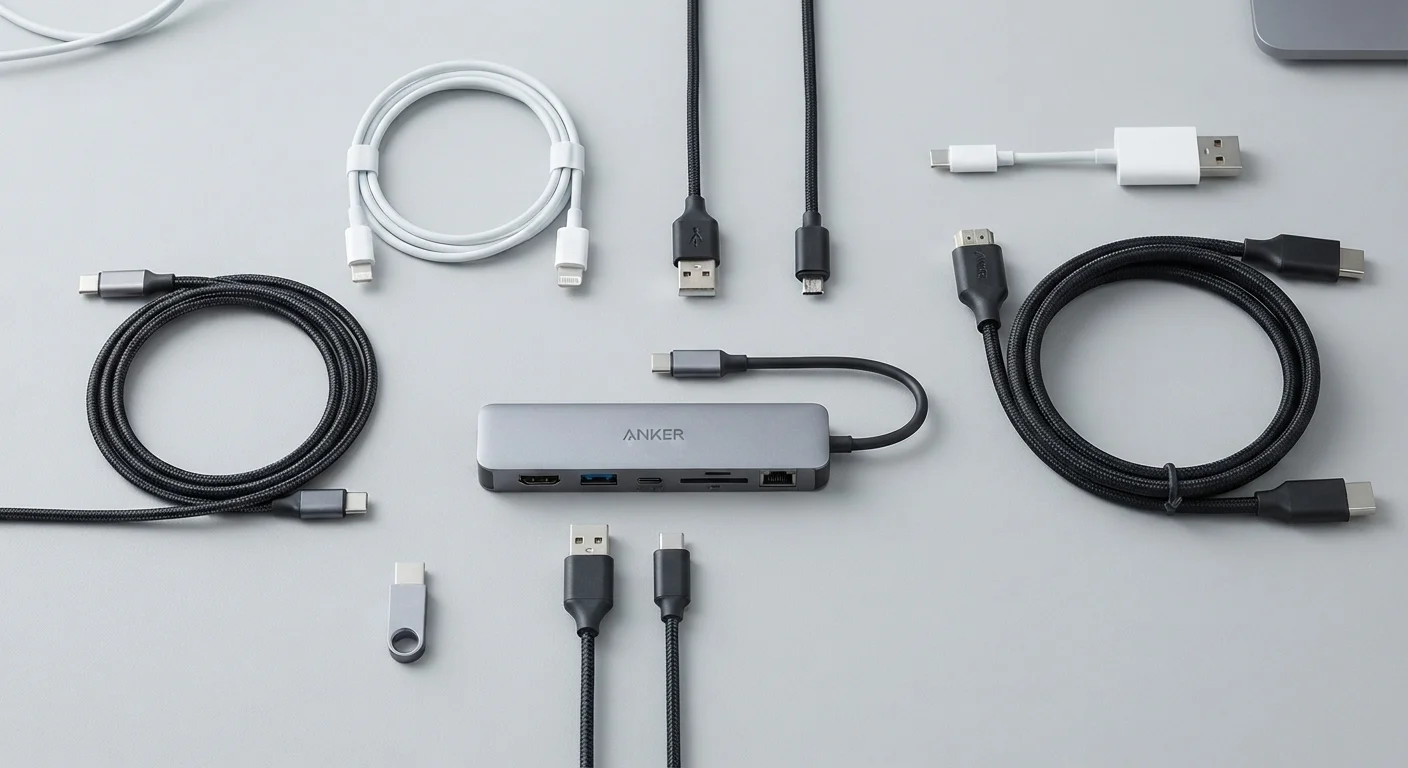
Ports and Connectivity
Build, Weight, and Ergonomics
Software and Support
Tools and Resources to Bring to Your Evaluation
You don't need specialized equipment to evaluate a laptop properly, but a few simple resources will help you check specs independently and avoid relying solely on the retailer's descriptions.
Manufacturer's support/spec page
Cross-reference the exact model number to verify accurate specs beyond what retail listings show.
Tech review aggregator (e.g. a reputable tech publication's search)
Look up independent reviews of the specific model to surface real-world performance data and known issues.
Notepad or phone notes app
Record spec comparisons and checklist results across multiple devices side by side.
USB drive or test file
Test USB port functionality and transfer speed when evaluating a device in person at a store.
When you're checking a display in person, open a browser and load a page with varied text sizes and images. Tilt the screen at different angles to test for color shift — a sign of a TN panel (older technology) versus the more consistent IPS or OLED panels. If you're evaluating online, look up the exact model number and cross-reference specs on the manufacturer's support page, not just the retail listing. Retail listings sometimes use generic descriptions that don't reflect the specific configuration on the shelf.
Retail Listings Can Be Imprecise
Making the Final Call
Once you've worked through the checklist, tally how many "must" items you can confirm. A laptop that meets all non-negotiable criteria is a solid foundation; missing even one — such as inadequate RAM for your use case or a port you rely on daily — is worth taking seriously before committing.
Weight and ergonomics are easy to dismiss when shopping online but become significant after a few weeks of daily use. If you can, handle the device physically: check how the lid opens one-handed, how the keyboard feels under sustained typing, and whether the trackpad responds accurately. These tactile qualities don't appear in any spec sheet.
Similar preparation logic applies to other tech purchases. Our TV wall-mounting checklist covers an equally overlooked set of pre-purchase and setup factors. And if you're also thinking about smarter shopping habits more broadly, a consistent pre-purchase routine across categories pays dividends over time.
Non-Upgradable Components Are a Long-Term Commitment
The content on this site is for informational purposes only and is not a substitute for professional advice. Always consult a qualified professional for guidance specific to your situation.