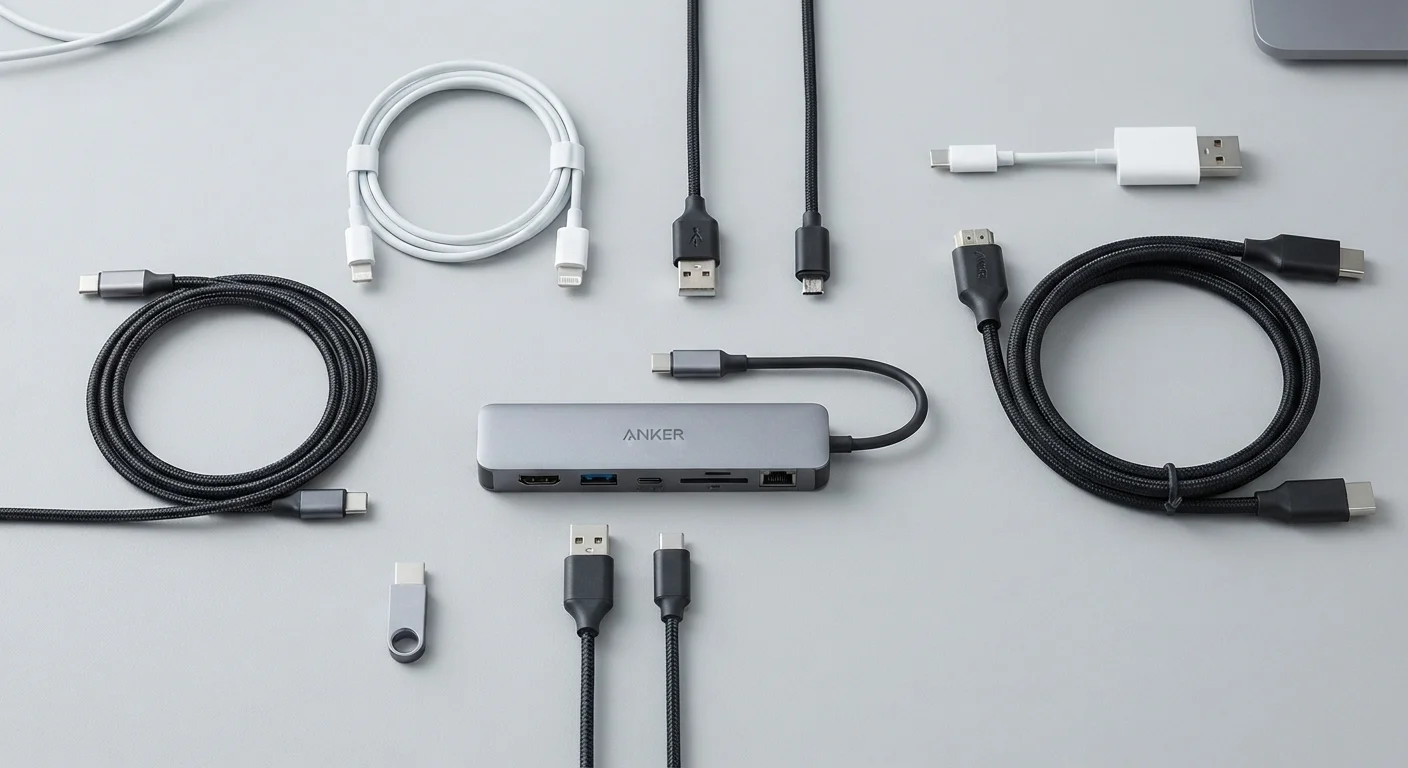
Keeping a Computer Running Well for Years

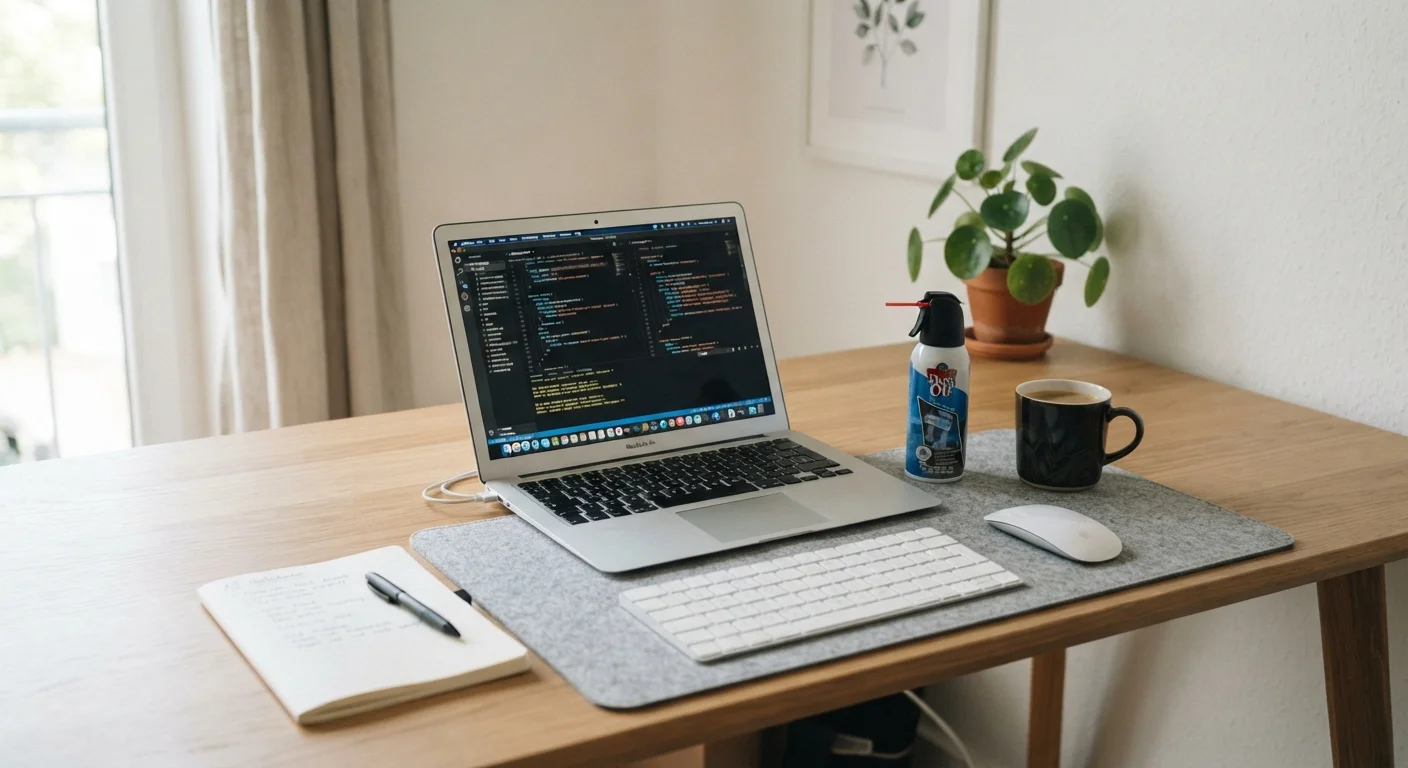
Photo: UnlockTopics.com | Unlocking Trending Content editorial
Key Takeaways
- Dust buildup inside a computer causes overheating and accelerates hardware wear over time.
- Uninstalling unused software and managing startup programs keeps performance consistently snappy.
- Regular OS and driver updates close security gaps and often improve system stability.
- Keeping storage at least 15–20% free prevents slowdowns caused by a nearly full drive.
- A simple maintenance routine performed monthly or quarterly is far cheaper than premature replacement.
Why Computers Slow Down in the First Place
Most computers don't fail suddenly — they degrade quietly. Dust clogs vents and forces fans to work harder. Software accumulates in the background. Storage fills up. Operating systems go unpatched. Each issue is manageable on its own, but together they compound into a machine that feels years older than it actually is.
Understanding these causes makes maintenance feel less like a chore and more like targeted prevention. Whether you use a laptop every day or a desktop occasionally, the same basic principles apply. If you're still deciding between form factors, our guide to laptops vs. desktops covers the practical trade-offs worth knowing before your next purchase.
Clean dust from vents and fans every three to six months.
Uninstall software you no longer use, including bundled apps.
Keep the operating system and drivers updated on a regular schedule.
Maintain at least 15–20% free space on your primary drive.
Review and limit programs that launch automatically at startup.
Run a reputable malware scan periodically, even on machines that feel fine.
Maintenance Habits Worth Building
The practices below address the most common causes of premature computer aging. None require technical expertise — just consistency.
Storage health is often overlooked. A drive that's nearly full — especially a traditional spinning hard drive — slows down considerably. Keeping at least 15–20% of your drive free gives the operating system room to manage files efficiently. For a deeper look at how your storage type affects everyday performance, see our breakdown of SSD vs. HDD differences.
Software Hygiene and Updates
Software maintenance is just as important as physical upkeep. Operating system updates patch security vulnerabilities and often include performance fixes — skipping them leaves a machine exposed and sometimes slower than it needs to be. Driver updates (software that helps hardware components communicate with the OS) can resolve stability issues that users sometimes mistake for hardware failure.
Driver Updates vs. OS Updates: A Quick Distinction
Startup programs are a particular culprit. Every application that launches at startup competes for memory and processor time before you've opened a single window. Reviewing and trimming that list — through your system settings — is one of the simplest performance improvements available. This dynamic is closely related to what happens on smartphones too; our article on why phones feel slower over time covers similar forces at work.
For laptop users, battery health is another software-level concern. Charging habits and background processes both affect how long a battery holds capacity. Our complete guide to laptop battery life explains what the advertised numbers actually mean.
~4 years
Average PC lifespan without regular maintenance
Industry estimates suggest that computers without routine upkeep tend to underperform or require replacement within four years, while well-maintained machines commonly reach six or more.
30%+
Performance drop from a nearly full hard drive
Traditional spinning hard drives can lose a significant share of their read/write speed as free space drops below 10–15%, according to storage performance benchmarks.
The Long View: Maintenance as Investment
A computer maintained consistently over three to five years will almost always outperform a neglected machine of the same specs. The physical environment matters too — a workspace that's clean, well-ventilated, and organized reduces the amount of dust a machine ingests. Our guide to organizing a functional home office addresses the workspace side of that equation.
The same logic applies to other machines in your life. The habits that quietly shorten a car's lifespan mirror what happens to computers: small neglects, repeated, add up to early failure. Maintenance isn't about perfection — it's about building a rhythm that keeps things working longer than they otherwise would.
Set a Quarterly Maintenance Reminder
If you're setting up a machine from scratch, the habits above are easiest to establish early. Our article on setting up a new computer the right way walks through the steps that matter most before day-to-day use begins.
The content on this site is for informational purposes only and is not a substitute for professional advice. Always consult a qualified professional for guidance specific to your situation.