
Why Phone Updates Feel Slower Over Time — and What's Actually Happening

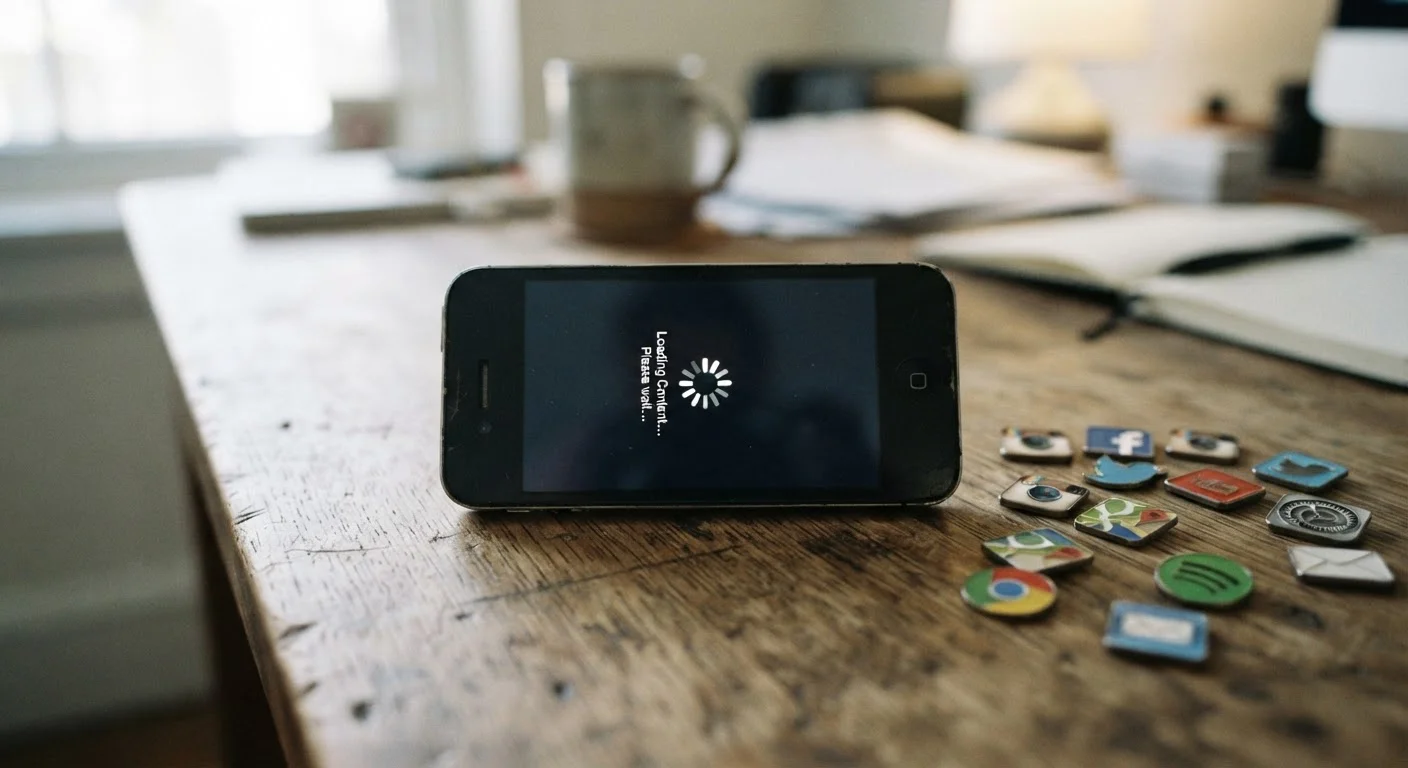
Photo: UnlockTopics.com | Unlocking Trending Content editorial
Key Takeaways
- Operating system updates are designed for newer hardware, which can strain older processors and RAM.
- App updates independently grow larger and more resource-intensive over time.
- A nearly full storage drive forces a phone to work harder, noticeably impacting speed.
- Battery degradation causes the processor to throttle performance to prevent shutdowns.
- Simple maintenance habits can meaningfully extend a phone's usable lifespan.
The Software Side: Updates Built for Tomorrow's Hardware
Each new version of iOS or Android is engineered to take advantage of the processors, memory, and display technologies in current flagship devices. When that same update installs on a phone that's two or three years old, the hardware has to stretch to meet demands it was never designed for.
This isn't a flaw in the update process — it's a natural side effect of software moving forward. Animations may stutter slightly. Apps may take a beat longer to open. Background tasks that once ran invisibly now compete visibly for processing power.
Apps compound the problem independently. Social media platforms, navigation tools, and productivity apps release their own updates continuously, and those updates tend to grow in size and complexity over time. An app that ran smoothly on your phone two years ago may now be running a version that was built with newer, faster devices as the baseline. For a look at how your phone manages all these competing processes simultaneously, see how smartphones prioritize tasks and resources.
Security Updates Still Matter on Older Phones
The Hardware Side: What Actually Wears Down
A phone's processor doesn't wear out the way moving parts do, but two key components do degrade measurably over time: storage and the battery.
Storage slowdown is one of the most underappreciated causes of sluggish performance. Most phones use flash storage (NAND), which becomes slower when it's nearly full. The operating system needs free space to write temporary files, swap memory, and update apps. When that space disappears, every read-and-write operation takes longer.
Battery degradation has a more direct effect than most users realize. As lithium-ion battery capacity declines with charge cycles, it becomes less able to deliver peak power output. Some operating systems respond by capping the processor's maximum speed to prevent the phone from shutting down unexpectedly under heavy load. The result feels exactly like a slow processor — because, in effect, it is one. You can read more about battery behavior and common misconceptions in our piece on smartphone battery myths.
~500
Charge cycles before significant battery capacity loss
Lithium-ion batteries in smartphones typically retain around 80% of their original capacity after approximately 500 full charge cycles, according to general industry specifications.
10–15%
Minimum free storage recommended for smooth performance
Mobile OS performance guides generally recommend keeping at least 10–15% of total storage free to allow the system adequate space for temporary file management.
2–3 years
Typical window when slowdown becomes noticeable
User experience patterns commonly show that performance complaints increase significantly around the two-to-three-year mark, coinciding with battery degradation and several OS upgrade cycles.
Storage Pressure: The Quiet Performance Killer
Beyond hardware wear, the sheer accumulation of files, photos, cached data, and unused apps creates a kind of friction that builds gradually and is easy to overlook. Users rarely notice the slowdown happening — they only notice once it's already significant.
Regularly auditing what's on your phone — offloading photos to cloud storage, uninstalling apps you haven't opened in months, and reviewing which apps have background refresh permissions — can relieve a meaningful amount of this pressure. The same logic applies to computers; keeping a computer running well for years explores similar maintenance habits that translate directly to mobile devices.
Check Your Battery Health First
What You Can Actually Do About It
Understanding the causes points clearly toward practical responses. None of them will make a three-year-old phone perform like a new one, but they can meaningfully close the gap:
- Free up storage — aim to keep at least 10–15% of total storage available at all times.
- Check battery health — both iOS and Android expose battery health metrics in settings. If capacity has dropped significantly, replacing the battery is often cheaper than replacing the phone.
- Review background app activity — limit which apps are allowed to refresh in the background, a setting available in both major mobile operating systems.
- Restart regularly — phones benefit from occasional restarts, which clear temporary files and reset memory allocation.
- Consider a factory reset — if the phone has been in use for several years without one, a clean reset can remove layers of accumulated software overhead.
The experience of a phone feeling slower over time is genuinely frustrating, but in most cases it reflects a predictable, explainable interaction between ageing hardware and advancing software — not a broken device.
Frequently Asked Questions
The content on this site is for informational purposes only and is not a substitute for professional advice. Always consult a qualified professional for guidance specific to your situation.