Owning a Desktop: The Honest Advantages and Real Limitations

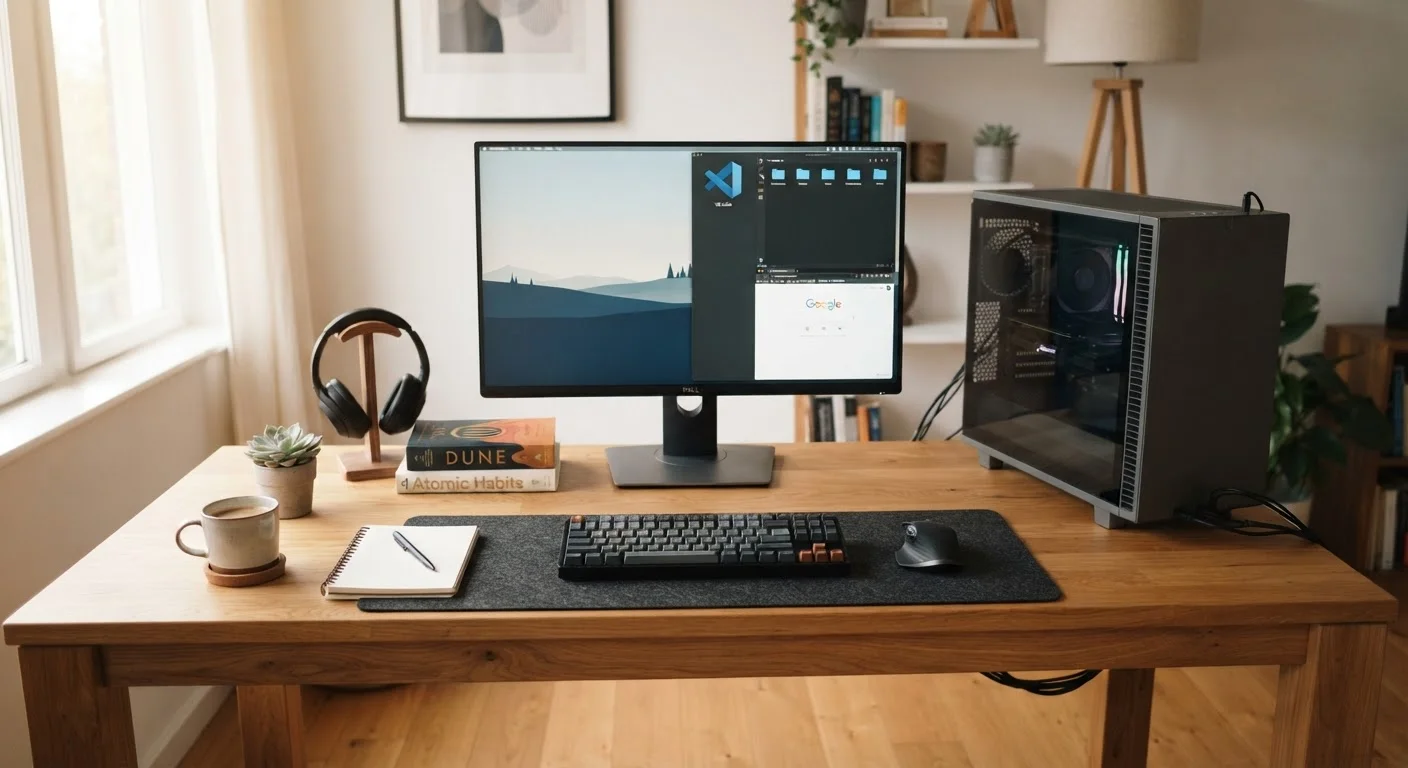
Photo: UnlockTopics.com | Unlocking Trending Content editorial
Key Takeaways
- Desktops generally deliver more processing power per dollar than laptops at the same price point.
- Most desktop towers allow you to swap out components like RAM, storage, and graphics cards over time.
- A desktop requires a permanent, dedicated workspace — it isn't designed to move around.
- Cooling and thermal management are significantly easier in a desktop than in a compact laptop.
- Desktops are not ideal for anyone who needs to work from multiple locations.
Higher performance per dollar than comparable laptops
Full-sized components and no battery constraints allow desktop systems to offer more processing power at a given price. This gap is most noticeable in CPU-intensive and GPU-intensive tasks.
Most components can be upgraded over time
Traditional desktop towers typically allow users to add RAM, swap storage drives, or install a newer graphics card without replacing the entire system, extending the useful life of the machine.
Better sustained thermal performance
Larger chassis allow for more airflow and bigger cooling solutions, reducing the risk of thermal throttling — where a device slows itself down to manage heat — during long or demanding sessions.
Easier and cheaper to repair individual components
When a part fails in a desktop, it's usually possible to replace just that component. In contrast, many laptops use soldered or proprietary parts that make repairs expensive or impossible.
Supports larger, higher-resolution monitors
Desktops can drive multiple large external displays without the power or connectivity trade-offs that laptops often face, making them well-suited to multi-monitor productivity setups.
No portability — it stays where you put it
A desktop is a fixed workstation by design. If your schedule or lifestyle involves working from different locations, a desktop cannot accommodate that without significant inconvenience.
Requires dedicated, permanent physical space
A tower, monitor, and peripherals claim a meaningful footprint. In smaller homes or shared spaces, finding and committing to that space is a genuine barrier.
More complex to set up and cable-manage
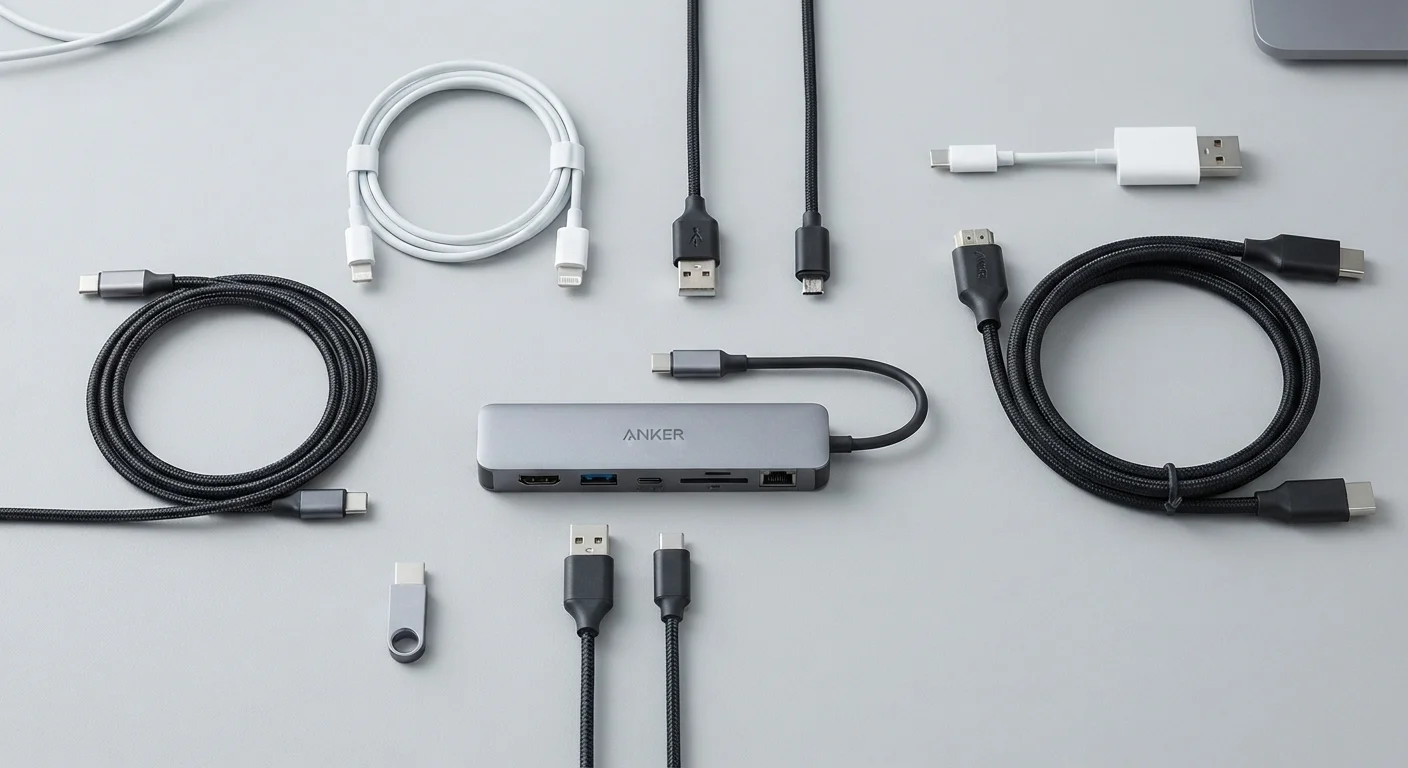
Connecting a desktop system — power, display cables, USB peripherals, audio — involves more steps than opening a laptop, and keeping cables organized requires ongoing effort.
Higher upfront cost when buying monitor and peripherals
Unlike a laptop, a desktop typically doesn't include a display, keyboard, or mouse. Those add-ons raise the real total cost beyond the price of the tower itself.
Not suitable for frequent travel or remote work on the go
Workers who regularly work from locations other than a fixed desk will find a desktop impractical. A laptop or hybrid device is a more realistic solution for mobile work patterns.
What You're Actually Getting With a Desktop
A desktop computer is any system where the primary processing unit — whether a separate tower or an all-in-one chassis — stays in one place and connects to a monitor, keyboard, and mouse. Unlike laptops, desktops aren't designed with portability in mind. That fixed nature is both their greatest strength and their most obvious limitation.
Understanding what you're signing up for matters before you buy. If you're weighing this against a laptop, our guide to laptops versus desktops walks through those trade-offs in detail. This article focuses specifically on desktops — what they genuinely do well and where they fall short.
Higher performance per dollar than comparable laptops
Full-sized components and no battery constraints allow desktop systems to offer more processing power at a given price. This gap is most noticeable in CPU-intensive and GPU-intensive tasks.
Most components can be upgraded over time
Traditional desktop towers typically allow users to add RAM, swap storage drives, or install a newer graphics card without replacing the entire system, extending the useful life of the machine.
Better sustained thermal performance
Larger chassis allow for more airflow and bigger cooling solutions, reducing the risk of thermal throttling — where a device slows itself down to manage heat — during long or demanding sessions.
Easier and cheaper to repair individual components
When a part fails in a desktop, it's usually possible to replace just that component. In contrast, many laptops use soldered or proprietary parts that make repairs expensive or impossible.
Supports larger, higher-resolution monitors
Desktops can drive multiple large external displays without the power or connectivity trade-offs that laptops often face, making them well-suited to multi-monitor productivity setups.
The Real Advantages of Desktop Ownership
The case for desktops starts with performance. Because towers aren't constrained by battery life or compact chassis design, manufacturers can pack in more powerful processors, larger cooling systems, and full-sized components. This translates to noticeably better performance in demanding tasks — video editing, 3D rendering, gaming — compared to laptops at similar price points.
Upgradability is the other major draw. In most traditional desktop towers, you can replace or add components as your needs evolve: more RAM, a larger or faster storage drive, or a more capable graphics card. That kind of flexibility is rare in laptops and largely absent in all-in-ones. Speaking of which, if you're considering a more compact desktop form factor, our breakdown of all-in-ones versus traditional desktops covers what you give up when you go slimmer.
Desktops also tend to run cooler and quieter under sustained workloads. The extra interior space allows for better airflow and larger cooling solutions, which helps avoid the performance throttling that laptops sometimes experience under heavy use.
~30–40%
Typical performance advantage over equivalent-priced laptops
Industry hardware benchmarks consistently show desktop CPUs and GPUs outperforming laptop equivalents at similar price points due to thermal and power headroom.
5–8 years
Average useful lifespan with routine component upgrades
Technology analysts generally cite desktop systems as having longer practical lifespans than laptops when users incrementally upgrade storage, RAM, and graphics cards.
The Honest Limitations You Should Know
The most obvious limitation is the lack of portability. Once set up, a desktop stays put. If your work or lifestyle requires moving between locations — a coffee shop, a client's office, a second home — a desktop simply can't accommodate that.
Space is the second real constraint. A tower, monitor, and accompanying cables require a dedicated footprint. If you're working in a small apartment or a shared living space, that commitment isn't trivial. A well-planned home office helps, and our article on organizing a functional home office offers practical strategies for making the most of whatever space you have.
Setup complexity is another factor. Connecting a tower to peripherals, managing cables, and positioning everything ergonomically takes more effort than opening a laptop. And if something goes wrong, troubleshooting is more involved — though the trade-off is that individual components are usually easier and cheaper to replace than an entire sealed laptop chassis.
No portability — it stays where you put it
A desktop is a fixed workstation by design. If your schedule or lifestyle involves working from different locations, a desktop cannot accommodate that without significant inconvenience.
Requires dedicated, permanent physical space
A tower, monitor, and peripherals claim a meaningful footprint. In smaller homes or shared spaces, finding and committing to that space is a genuine barrier.
More complex to set up and cable-manage
Connecting a desktop system — power, display cables, USB peripherals, audio — involves more steps than opening a laptop, and keeping cables organized requires ongoing effort.
Higher upfront cost when buying monitor and peripherals
Unlike a laptop, a desktop typically doesn't include a display, keyboard, or mouse. Those add-ons raise the real total cost beyond the price of the tower itself.
Not suitable for frequent travel or remote work on the go
Workers who regularly work from locations other than a fixed desk will find a desktop impractical. A laptop or hybrid device is a more realistic solution for mobile work patterns.
When a Desktop Makes Sense — and When It Doesn't
A desktop earns its place when you have a consistent workspace and consistent computing demands. Home offices, creative studios, and workstations for gaming or data-heavy tasks are natural fits. The performance ceiling is higher, the upgrade path is longer, and the cost per unit of processing power is generally lower than comparable laptops.
It's less suitable when your work habits require flexibility — or when space simply isn't available. A desktop is also a harder sell if your tasks are primarily web browsing, word processing, or video calls, where a mid-range laptop handles everything comfortably without the spatial commitment.
One often-overlooked consideration is graphics capability. If visual performance matters to you — whether for gaming, design work, or video — desktops give you meaningful options. Our explainer on integrated versus dedicated graphics can help you understand when a dedicated GPU actually earns its place in your setup.
All-in-One Desktops: A Middle Ground
The content on this site is for informational purposes only and is not a substitute for professional advice. Always consult a qualified professional for guidance specific to your situation.