
What Your Smartphone's Processor Actually Does

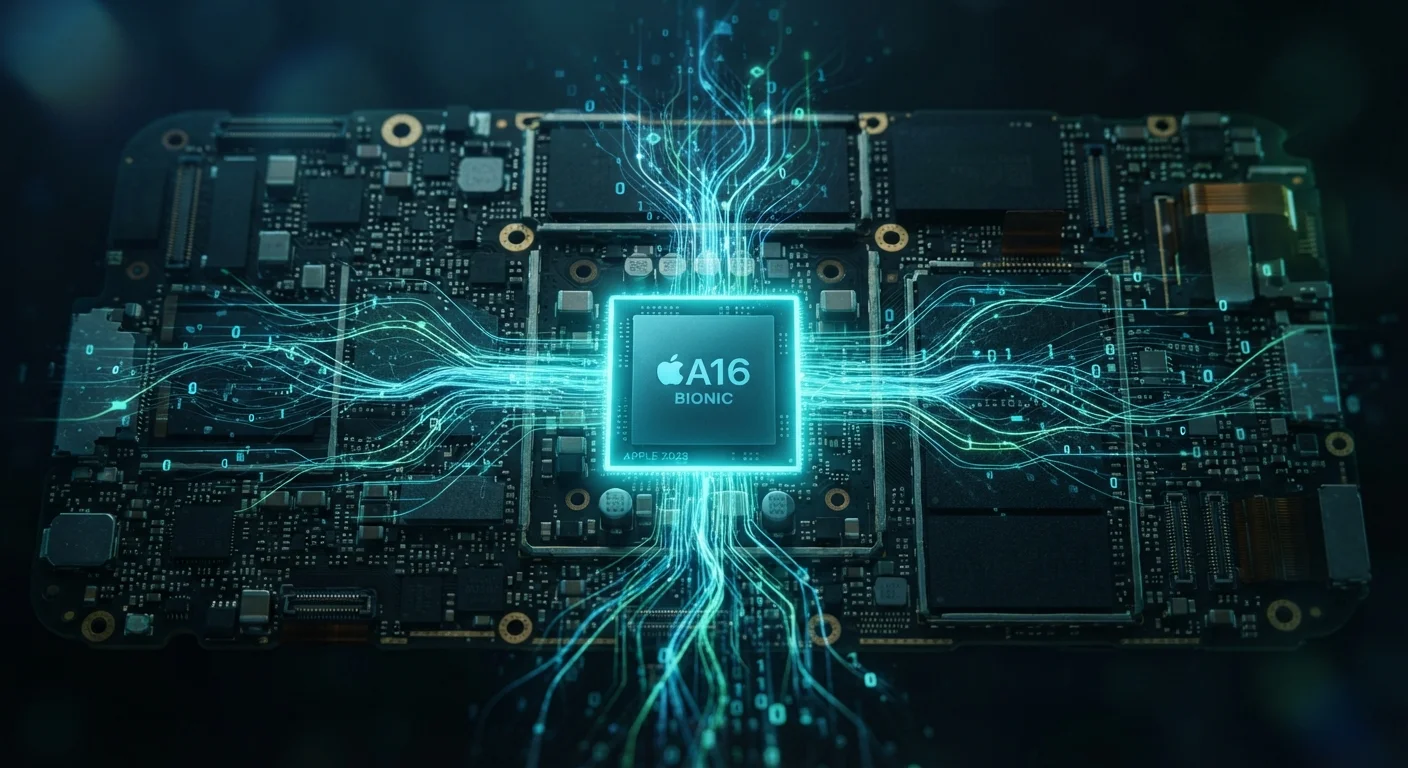
Photo: UnlockTopics.com | Unlocking Trending Content editorial
Key Takeaways
- A smartphone processor is an all-in-one chip that handles computing, graphics, connectivity, and camera processing simultaneously.
- Modern mobile chips include dedicated units for AI tasks, reducing load on the main processor and extending battery life.
- Processor speed affects everyday tasks like app launches, multitasking, gaming, and the quality of photos your phone can produce.
- Higher core counts don't always mean better real-world performance — efficiency cores play an equally important role.
- An aging processor is one reason phones feel slower over time as software demands grow.
One Chip, Many Jobs
When you tap an app icon, dozens of things happen in a fraction of a second. Your phone reads your touch input, locates the app on storage, loads it into memory, renders the opening screen, and checks for new data over Wi-Fi — all before you've registered the response. Every one of those steps runs through the processor.
Mobile processors are built as a System on a Chip (SoC). Unlike a desktop computer where the CPU, graphics card, and modem are separate components, a phone SoC bundles all of these functions onto a single piece of silicon. This tight integration is what allows smartphones to be powerful, compact, and battery-efficient at the same time.
Inside a modern mobile SoC, you'll typically find:
- CPU cores — the general-purpose processors that run your apps and operating system
- GPU — handles graphics rendering for games, video, and smooth UI animations
- Modem — manages cellular, Wi-Fi, and Bluetooth connections
- Image Signal Processor (ISP) — dedicated to processing photos and video in real time
- Neural Engine / AI accelerator — runs machine learning tasks efficiently
For a deeper look at how your phone manages wireless communication, see how your phone handles data and connectivity.
~3 billion
Transistors in a modern mobile SoC
Modern flagship mobile chips pack billions of transistors into a space smaller than a fingernail, enabling the complexity of multiple specialized processing units.
Up to 8
CPU core types in one mobile chip
Many current mobile SoCs use a mix of high-performance and efficiency cores — sometimes across three tiers — to balance speed and battery life dynamically.
Milliseconds
Time to process a computational photo
Image signal processors in modern phones complete multi-frame HDR blending and noise reduction within milliseconds of pressing the shutter button.
The Camera Connection People Don't Expect
Most people assume camera quality is purely about the lens or sensor — but a significant share of what makes a modern phone photo look good comes from the processor. The ISP and neural engine work together the moment you press the shutter, and often before.
When you shoot in low light, your phone's chip is blending multiple rapid exposures, identifying noise, and applying intelligent sharpening — all within milliseconds. Features like portrait mode, real-time video stabilization, and scene detection are entirely processor-driven software capabilities layered on top of the hardware.
This is why two phones with technically similar camera sensors can produce noticeably different results: the chip doing the image processing is doing the heavy lifting. If you've wondered what those camera spec terms actually mean on paper, the mobile camera glossary breaks them down clearly.
Check the Chip Generation, Not Just the Name
Performance Cores vs. Efficiency Cores
Modern mobile SoCs use a split-core design — some cores are built for raw speed, others for energy efficiency. The phone's operating system constantly decides which cores to use depending on the task.
Reading an email? Efficiency cores handle it quietly in the background. Loading a graphically intensive game? Performance cores kick in. This dynamic assignment is the main reason high-end phones can last a full day on a charge despite being genuinely powerful.
A higher core count on a spec sheet doesn't automatically mean better real-world performance. Architecture, manufacturing precision (measured in nanometers — smaller generally means more efficient), and software optimization all factor in. A well-optimized six-core chip can outperform a poorly optimized ten-core design in daily use.
Nanometer Ratings Explained Simply
The processor is also one reason phones feel slower as they age — as apps are updated to use newer features, the computational demands grow, and older chips have less headroom to keep up. Why software updates feel heavier over time explores that effect in detail.
What This Means When You're Choosing a Phone
You don't need to memorize chip model names to make a sensible decision. A few practical principles are more useful:
- Chip generation matters more than clock speed — a newer processor often outperforms an older one at higher speeds because of architectural improvements.
- AI features are processor-dependent — voice assistants, live translation, and smart photography all depend on a capable neural engine. Older or lower-tier chips may not support them at all.
- Longevity is partly a chip question — a more capable processor will handle software updates for more years before the device feels sluggish.
For a broader look at how specs translate to real-world use across computers and phones, RAM, storage, and processors explained is a useful companion read. And if you're curious about what else your phone is silently calculating on your behalf, how smartphones decide what to show you first covers the decision-making layer above the hardware.
Frequently Asked Questions
The content on this site is for informational purposes only and is not a substitute for professional advice. Always consult a qualified professional for guidance specific to your situation.