
Smartphone Battery Myths That Keep Draining Your Phone Faster

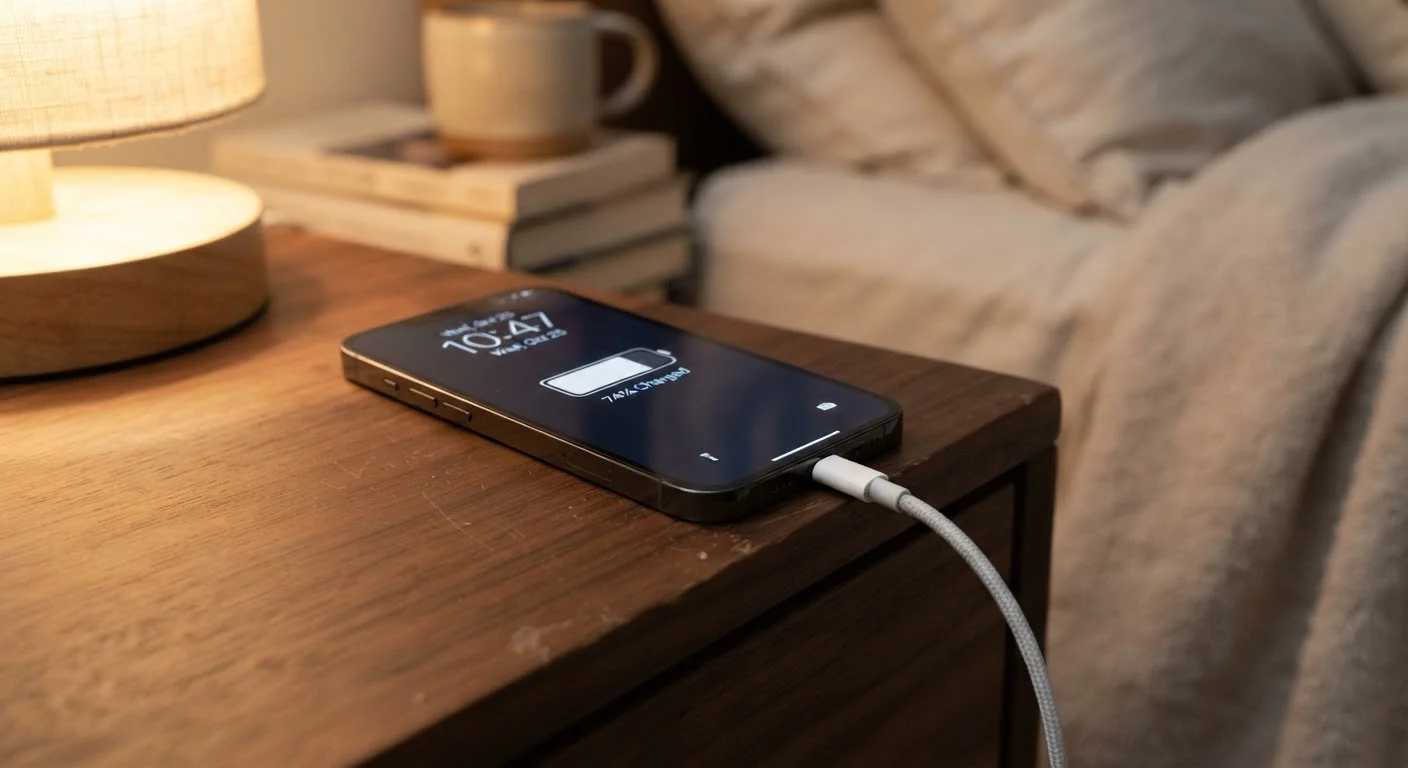
Photo: UnlockTopics.com | Unlocking Trending Content editorial
Key Takeaways
- Modern lithium-ion batteries are not damaged by overnight charging thanks to built-in charge management circuits.
- Draining your phone to zero percent regularly can actually shorten battery lifespan over time.
- Closing background apps constantly does little to save battery and may use more power when apps reload.
- Heat — not charging frequency — is the leading environmental cause of long-term battery degradation.
- Keeping your battery between 20% and 80% charge is the habit most supported by battery science.
Why Battery Myths Are So Persistent
Smartphone battery advice is everywhere — passed along by well-meaning friends, recycled in tech forums, and repeated so often it starts to feel like settled science. The problem is that most of it was formed around older battery technologies that simply no longer apply to the lithium-ion cells powering today's devices.
Understanding how your battery actually works can help you stop wasting effort on habits that don't help — and avoid the ones that might quietly be doing harm. Much like the fuel-saving beliefs covered in our piece on common driving myths, many battery habits persist long after the evidence has moved on.
Myth
You should never charge your phone overnight because it overcharges the battery.
Fact
Modern smartphones stop drawing charge once they reach 100%, so overnight charging does not overcharge the battery.
Today's phones include charge management circuits that cut off power delivery when the battery is full. The device will trickle-charge only to compensate for natural overnight drain. While staying plugged in at 100% for extended periods isn't ideal for long-term chemistry, a single overnight charge is not the crisis many people believe it to be.
Myth
Always drain your battery to 0% before recharging to maintain battery memory.
Fact
Lithium-ion batteries have no memory effect — deep discharges to zero actually accelerate wear.
Battery "memory" was a real concern with older nickel-cadmium (NiCd) batteries, which performed better when fully discharged before recharging. Lithium-ion cells operate on entirely different chemistry. Repeatedly draining them to zero puts measurable stress on the cell and reduces overall cycle life. Partial top-ups are preferable to full discharge cycles.
Myth
Closing background apps saves significant battery life.
Fact
Frequently force-closing apps may actually use more power, since relaunching them from scratch requires more energy than resuming a suspended app.
Mobile operating systems are designed to manage background processes efficiently. Suspended apps use minimal resources. When you force-close and then reopen an app, the phone has to reload it entirely — which consumes more CPU power and, by extension, more battery. This habit is largely unnecessary on modern iOS and Android devices.
Myth
Using a third-party charger will ruin your battery.
Fact
Chargers that meet established safety and power-delivery standards are generally safe to use — the risk comes from uncertified, low-quality chargers, not reputable third-party options.
The concern here is real but often overstated. Chargers that comply with recognized electrical safety certifications and support the correct voltage and amperage for your device pose little risk. The genuine danger lies in extremely cheap, uncertified chargers with no safety protections — these can deliver inconsistent power and, in rare cases, cause heat damage. Checking for safety certification markings is the practical screen to apply.
Myth
Keeping Wi-Fi and Bluetooth on all the time drains the battery quickly.
Fact
When Wi-Fi and Bluetooth are on but idle, their battery draw is minimal — active data transfers are what consume power.
Both radios are designed to operate in low-power states when not actively transmitting data. Leaving Wi-Fi on actually saves battery compared to relying on a cellular data connection, which typically requires more power to maintain signal. Toggling these radios on and off repeatedly is unlikely to produce meaningful battery savings in everyday use.
What Actually Protects Your Battery Long-Term
Battery longevity comes down to a few consistent, low-effort habits rather than obsessive daily rituals. The single most beneficial thing you can do is manage heat exposure — avoid leaving your phone in direct sunlight, on hot car dashboards, or under a pillow while charging.
Heat Is the Real Battery Killer
Partial charging is also genuinely beneficial. Lithium-ion cells experience less chemical stress when they cycle between 20% and 80% rather than swinging between full and empty. Many modern phones include a setting — sometimes called "optimized charging" or "battery protection mode" — that automatically limits the charge ceiling to support this.
Software also plays a role in how your battery holds up over time. Phones that run outdated operating systems or accumulate storage pressure can show symptoms that mimic battery drain. Our article on why phones slow down after updates explains how software and hardware age together. And if you're already reviewing your phone's health, it's worth making sure your data is protected — our guide to backing up your smartphone correctly covers what actually gets saved and what doesn't.
~500
Typical full charge cycles before notable capacity loss
Battery manufacturers generally rate lithium-ion cells to retain around 80% of original capacity after approximately 500 full charge cycles under standard conditions.
20–80%
Recommended charge range for longevity
Battery researchers broadly agree that keeping lithium-ion cells in this range reduces electrochemical stress and extends usable lifespan compared to repeated full-depth cycling.
Battery science applies beyond smartphones, too. If you've noticed similar misconceptions around laptop battery life, our breakdown of what laptop battery figures actually mean puts the numbers in honest context.
The content on this site is for informational purposes only and is not a substitute for professional advice. Always consult a qualified professional for guidance specific to your situation.