
Tablet Ownership After the First Month: What Changes and What Doesn't

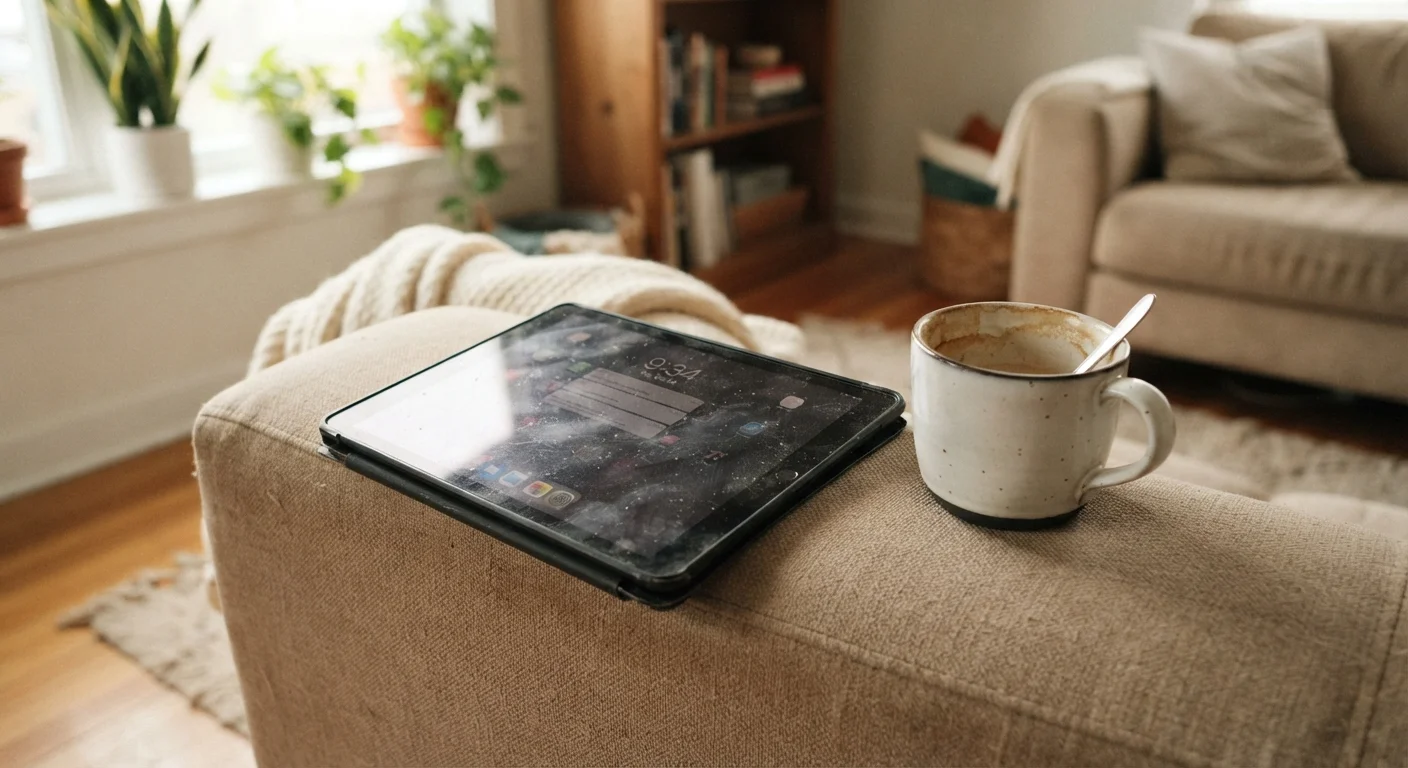
Photo: UnlockTopics.com | Unlocking Trending Content editorial
Key Takeaways
- Most tablets settle into one or two primary use cases within the first month, not the many uses owners anticipated.
- Portability and media consumption tend to stick; productivity and creative habits often fade.
- Understanding the gap between expected and actual usage can help you decide whether a tablet fits your life.
- Accessories and apps can extend a tablet's usefulness, but they don't replace realistic expectations.
Effortless streaming and media consumption
The larger screen compared to a phone makes video, reading, and browsing noticeably more comfortable, and this advantage holds up consistently over months of use.
Fills a natural couch or bedroom niche
Tablets tend to occupy physical spaces in the home where phones feel too small and laptops feel too formal, making them easy to reach for casually.
Long battery life reduces charging anxiety
Most modern tablets offer all-day battery performance for light tasks, meaning users rarely need to think about plugging in during a typical day.
Lightweight and portable for travel
For flights, hotel rooms, or commutes, a tablet packs significantly less weight and bulk than a laptop while covering most entertainment needs on the go.
Accessible interface for a wide age range
Larger touch targets and simplified app interfaces make tablets especially approachable for older adults and children, who often adapt to them faster than to laptops.
Productivity habits rarely stick long-term
Extended typing, multi-window workflows, and document-heavy tasks expose the limitations of touch-first interfaces, pushing most users back to a laptop within weeks.
Becomes a third device, not a primary one
Many owners find the tablet slots in between their phone and laptop rather than replacing either, which can feel like redundancy if the use case isn't clearly defined upfront.
Creative apps require pre-existing skills
Drawing, music production, and video editing apps on tablets are capable, but users who didn't already practice these skills rarely build them from scratch on the device.
Accessories add cost and complexity
Keyboards, styluses, and stands that address the tablet's limitations can collectively cost as much as or more than a budget laptop, eroding the value proposition.
Usage tends to drop after the first few weeks
Screen time data consistently shows a peak in the novelty period followed by a lower stable baseline, meaning the practical value users experience day-to-day is less than they anticipated.
The Honeymoon Phase: What You Think You'll Do
When a new tablet arrives, the mental list of use cases feels limitless. You'll draw, sketch, and take handwritten notes. You'll read every morning. You'll finally stop reaching for your laptop to check email. You'll exercise with it propped up, cook from it in the kitchen, and use it for focused work sessions away from your desk.
This first-week enthusiasm is normal and not entirely wrong — tablets can do all of those things. The question isn't capability; it's whether those habits actually form. For most people, the answer after 30 days looks noticeably different from day one expectations. The pattern mirrors what happens with other behavior changes — see, for example, how budgets often unravel in month two for similar structural reasons.
What Actually Sticks: The Durable Habits
Certain tablet behaviors prove remarkably consistent after the initial adjustment period. These tend to be low-friction, passive, or deeply integrated into existing routines.
Effortless streaming and media consumption
The larger screen compared to a phone makes video, reading, and browsing noticeably more comfortable, and this advantage holds up consistently over months of use.
Fills a natural couch or bedroom niche
Tablets tend to occupy physical spaces in the home where phones feel too small and laptops feel too formal, making them easy to reach for casually.
Long battery life reduces charging anxiety
Most modern tablets offer all-day battery performance for light tasks, meaning users rarely need to think about plugging in during a typical day.
Lightweight and portable for travel
For flights, hotel rooms, or commutes, a tablet packs significantly less weight and bulk than a laptop while covering most entertainment needs on the go.
Accessible interface for a wide age range
Larger touch targets and simplified app interfaces make tablets especially approachable for older adults and children, who often adapt to them faster than to laptops.
Streaming and video almost always remain central. The screen size advantage over a phone is tangible, and the couch or bed use case reinforces itself daily. Reading — whether news, ebooks, or long-form articles — also tends to persist, especially for users who previously read on their phones. The larger display genuinely reduces eye strain over time.
Light web browsing and quick reference searches stick too, largely because the tablet often occupies the spot in a room where those impulses arise. If it's already on the coffee table, you'll use it.
What Fades: The Habits That Don't Survive Reality
Productivity ambitions are usually the first casualty. Typing long documents on a software keyboard proves more frustrating in practice than it seemed in the store. Even with a physical keyboard accessory, most users find themselves gravitating back to a laptop for sustained writing or multi-tab research. If you're genuinely weighing whether a tablet can replace your laptop, the tool-fit question deserves its own analysis.
Productivity habits rarely stick long-term
Extended typing, multi-window workflows, and document-heavy tasks expose the limitations of touch-first interfaces, pushing most users back to a laptop within weeks.
Becomes a third device, not a primary one
Many owners find the tablet slots in between their phone and laptop rather than replacing either, which can feel like redundancy if the use case isn't clearly defined upfront.
Creative apps require pre-existing skills
Drawing, music production, and video editing apps on tablets are capable, but users who didn't already practice these skills rarely build them from scratch on the device.
Accessories add cost and complexity
Keyboards, styluses, and stands that address the tablet's limitations can collectively cost as much as or more than a budget laptop, eroding the value proposition.
Usage tends to drop after the first few weeks
Screen time data consistently shows a peak in the novelty period followed by a lower stable baseline, meaning the practical value users experience day-to-day is less than they anticipated.
Creative uses — drawing apps, video editing, music production — tend to fade unless the user already had those skills and workflows before owning the tablet. The device doesn't create new hobbies; it supports existing ones. Fitness and exercise use drops off sharply, echoing the same pattern seen in fitness habits that are harder to sustain than they look.
Screen Time Patterns: What the Data Tends to Show
Tablet screen time typically peaks in the first two weeks and then drops — sometimes by a significant margin — before settling into a steady but lower baseline. The device often gets replaced in daily rotation by the phone for quick tasks and the laptop for serious work, occupying a specific niche rather than becoming a primary device.
~30%
Tablet use decline after first month
Usage research across device categories generally shows daily engagement drops roughly 25–35% after the initial novelty period, stabilizing around a consistent secondary-device baseline.
2 in 3
Tablet owners primarily use it for media
Consumer technology surveys consistently find that streaming video and music are the dominant reported use cases for tablet owners after the first few months of ownership.
Tracking your own usage patterns honestly is more valuable than any general statistic. Built-in screen time tools can help surface these patterns, though they come with limitations — screen time features measure some behaviors but miss others.
Making the Most of What You've Got
Once you know how you actually use a tablet — rather than how you planned to — you can optimize around that reality. A well-placed charging dock in the living room removes friction for the use cases that stuck. A lightweight stand makes streaming more comfortable. Curating a small set of apps you genuinely return to beats loading up on tools you open once.
Accessories Won't Rewrite Your Habits
If you're still in the decision phase, applying smart shopping principles — buying around actual behavior rather than aspirational behavior — is especially relevant for a device category as expectation-driven as tablets.
The month-one gap between expectation and reality isn't a failure. It's useful information. A tablet that anchors your living room as a reliable media and reading device still delivers real, everyday value — it just may not be the Swiss Army knife you imagined on unboxing day.
The content on this site is for informational purposes only and is not a substitute for professional advice. Always consult a qualified professional for guidance specific to your situation.