
Wired vs. Wireless Home Security Cameras: Trade-offs Worth Knowing

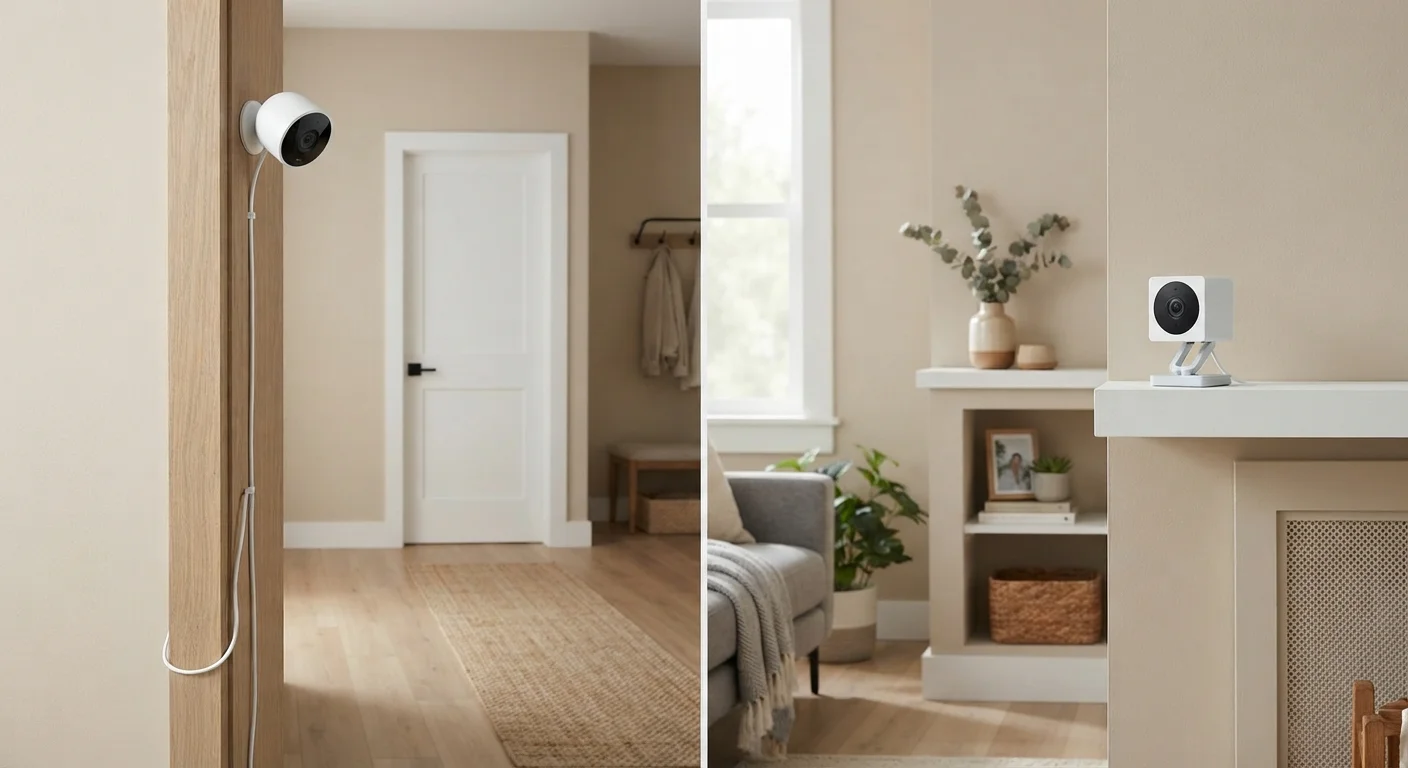
Photo: UnlockTopics.com | Unlocking Trending Content editorial
Key Takeaways
- Wired cameras draw continuous power and transmit footage over cables, making them less dependent on Wi-Fi stability.
- Wireless cameras rely on batteries or plug-in adapters and send footage over your home Wi-Fi network.
- Installation complexity and permanence differ significantly — wired setups typically require more planning and wall work.
- Wireless cameras are easier to reposition but may have gaps in coverage when batteries run low or Wi-Fi falters.
- Neither type is universally superior — your home layout, rental status, and reliability needs should guide the choice.
How Each System Actually Works
The terms "wired" and "wireless" describe how a camera gets both its power and its data connection — and those two factors shape nearly every practical difference between the systems.
Wired cameras typically use one of two approaches. PoE (Power over Ethernet) cameras receive power and transmit video through a single Ethernet cable connected to a central recorder or router. Traditional analog systems use coaxial cables for video and separate power lines. Either way, footage travels over a physical connection with no radio interference in the path.
Wireless cameras send video over your home's Wi-Fi network. Power comes from built-in rechargeable batteries, a plug-in adapter, or in some cases solar panels. Because they rely on Wi-Fi, their performance is tied directly to your network's strength and stability. For a deeper look at the protocols involved, see how wireless protocols work in the home.
| Criterion | Wired Cameras | Wireless Cameras |
|---|---|---|
| Power source | Cable (PoE or separate power line) | Battery, plug-in adapter, or solar |
| Data transmission | Ethernet or coaxial cable | Home Wi-Fi network |
| Installation complexity | High — cable routing often required | Low — app-guided, minimal hardware |
| Portability | Fixed once installed | Easy to reposition or relocate |
| Wi-Fi dependency | None | High |
| Ongoing maintenance | Minimal once installed | Battery monitoring required (if battery-powered) |
| Ideal for renters | Rarely — permanent modifications needed | Yes — no permanent installation |
| Local storage option | Common (NVR-based) | Available on some models (SD card) |
Installation: What Each Type Actually Requires
Installation is where the two types diverge most visibly. Wired systems — especially PoE setups — typically involve running cable through walls, attics, or crawl spaces, then connecting to a central NVR (Network Video Recorder). This work can require drilling, cable management, and familiarity with your home's structure. Many households bring in a professional installer for this reason.
Wireless cameras, by contrast, usually mount with a few screws or adhesive strips. Setup consists of connecting the camera to your Wi-Fi network through a companion app. This lower barrier makes wireless systems accessible to renters or anyone hesitant to make permanent modifications. That said, understanding whether your home network can handle additional connected devices is worth checking first — your router and Wi-Fi setup directly affects how reliably any wireless camera performs.
~60%
US households with at least one security camera
According to a Parks Associates consumer survey, roughly 60% of US broadband households had at least one security camera by the early 2020s.
2–6 months
Typical battery life for wireless cameras
Battery life varies widely based on motion frequency, video quality settings, and temperature — manufacturers typically estimate two to six months per charge.
Reliability, Footage Quality, and Coverage Gaps
Wired cameras have a structural advantage in reliability: a cable connection doesn't drop packets the way a crowded Wi-Fi channel can. In high-interference environments — dense apartment buildings, homes with many connected devices — this matters. Footage from a wired camera is less likely to buffer, drop frames, or fail during a critical moment.
Wireless cameras have improved substantially, and most modern versions handle standard home Wi-Fi well. The real vulnerability is battery-powered models: if a battery depletes and no one notices, that camera stops recording. Scheduling regular battery checks or opting for plug-in wireless models reduces this risk considerably.
Coverage gaps are also worth thinking through. Wired systems are fixed by where cable can be routed. Wireless cameras can theoretically go anywhere within Wi-Fi range, but range degrades through thick walls, metal doors, and floors. A strong, well-distributed home network is a prerequisite for wireless cameras to perform consistently across a full property.
Privacy, Data, and Long-Term Ownership Considerations
Both wired and wireless cameras can store footage locally (on an NVR, SD card, or hard drive) or send it to cloud servers managed by the manufacturer. The storage method — not the cable — determines most of the privacy picture. Cloud-connected cameras of either type share data with third-party platforms, which has implications worth understanding. What smart cameras collect and where that data goes is a practical read before committing to any connected camera system.
Wired systems with local storage keep footage off the internet entirely — a meaningful advantage for privacy-conscious households. Wireless cameras connected to cloud services depend on the manufacturer's ongoing infrastructure; if a company discontinues a product line, cloud features may eventually stop working.
Local Recording Laws Vary by State
Before installing any camera system — wired or wireless — check whether your local jurisdiction requires disclosure to visitors or has specific rules around recording in shared spaces. Requirements vary by state.
The content on this site is for informational purposes only and is not a substitute for professional advice. Always consult a qualified professional for guidance specific to your situation.