
Smart Home Privacy: What Data Your Devices Collect and How to Limit It

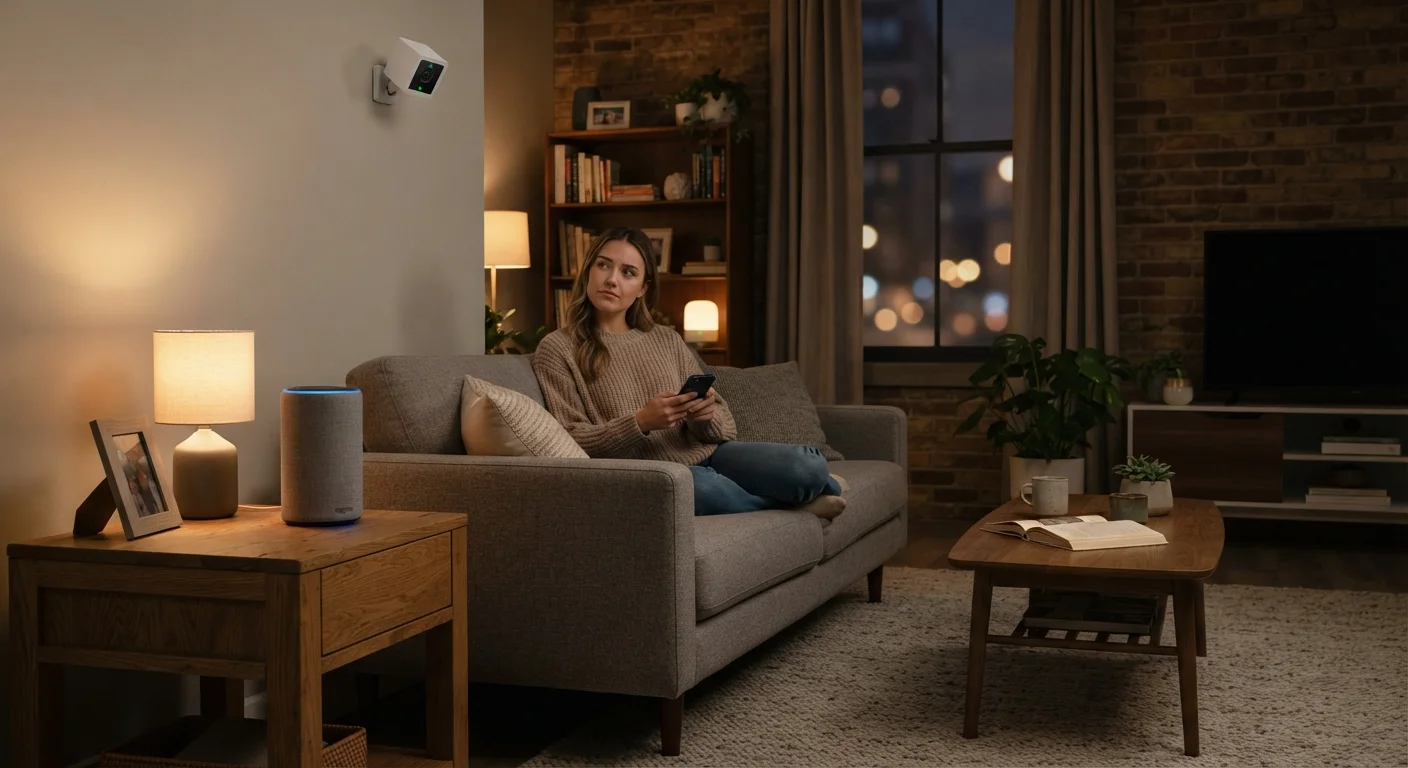
Photo: UnlockTopics.com | Unlocking Trending Content editorial
Key Takeaways
- Smart home devices routinely collect audio snippets, usage patterns, location data, and video footage.
- Most data is stored on manufacturer servers, sometimes shared with third parties for advertising or analytics.
- You can meaningfully reduce data exposure through app permissions, local storage settings, and regular account audits.
- Voice assistants often record short clips even without a deliberate wake word — review your history regularly.
- Network-level controls, like a guest Wi-Fi network for devices, add a meaningful layer of privacy protection.
What Smart Home Devices Actually Collect
Smart home devices are designed to be responsive and convenient — but that responsiveness depends on constant data collection. Understanding what's gathered is the first step toward managing it effectively. If you're new to these devices, our overview of how smart home devices work covers the basics of how they connect and communicate.
Here's what common device categories typically collect:
- Voice assistants: Audio clips triggered by (and sometimes before) the wake word, device usage commands, shopping or calendar queries, and household routine patterns.
- Smart cameras: Continuous or motion-triggered video footage, facial detection data, visitor timing patterns, and in some cases, audio from built-in microphones.
- Smart thermostats: When you're home, your preferred temperature schedules, HVAC usage, and sometimes geolocation data used to predict your arrival.
- Smart TVs: Viewing habits, app usage, search history, and Automatic Content Recognition (ACR) data — a technology that identifies what's on screen, including content from external devices.
- Smart locks and doorbells: Entry logs, visitor footage, and the comings-and-goings of household members.
Much of this data is sent to manufacturer servers, where it may be used to improve services, serve targeted advertising, or be shared with third-party partners. Privacy policies vary significantly by brand and device type.
72%
Smart home device owners unaware of data sharing
A survey by the Internet Society and Consumers International found that a large majority of connected device owners did not know their data was being shared with third parties.
19x
More data requests than smartphones
Research published by consumer advocacy groups has found that some smart TV models make significantly more data requests per day than a typical smartphone in active use.
Best Practices for Limiting Data Collection
You don't need to disconnect every device to protect your privacy — targeted, practical steps can reduce your exposure considerably. The practices below apply across most smart home setups.
Audit and restrict app permissions for every smart home application
Regularly delete your voice assistant history
Place smart cameras on a separate guest Wi-Fi network
Opt into local storage for cameras where available
Mute device microphones when not in active use
Review and update privacy settings after every major app or firmware update
Quick Actions You Can Take Today
If you want to start improving your smart home privacy right now, these steps require no technical expertise and can be completed in minutes. Families with children in the home should pay particular attention — for broader context, see our piece on what parents should think through before handing children connected devices.
Privacy Settings Can Reset After Updates
Understanding Where Your Data Goes
Knowing a device collects data is one thing; understanding where it travels afterward is another. Most smart home manufacturers transmit data to cloud servers — sometimes located in different countries — where it is processed, stored, and potentially monetised.
“The collection of data from connected devices in the home represents one of the most intimate forms of surveillance that has ever existed, because these devices are present in the most private spaces of our lives.”
— Bruce Schneier, Security technologist and author on data privacy and surveillance
Third-party sharing is common. Ad networks, analytics firms, and platform partners may receive aggregated or individual data depending on the device's privacy policy and your consent settings. Some manufacturers offer local processing options — where data is handled on a home hub rather than sent to the cloud — which can meaningfully reduce exposure. The trade-offs between wired and wireless security cameras also touch on how video storage choices affect privacy. Always read the privacy policy before purchasing any connected device, and revisit it after major software updates, as terms can change.
Check Privacy Policies Before You Buy
The content on this site is for informational purposes only and is not a substitute for professional advice. Always consult a qualified professional for guidance specific to your situation.