
The Complete Guide to Building a Connected Home That Actually Makes Daily Life Easier

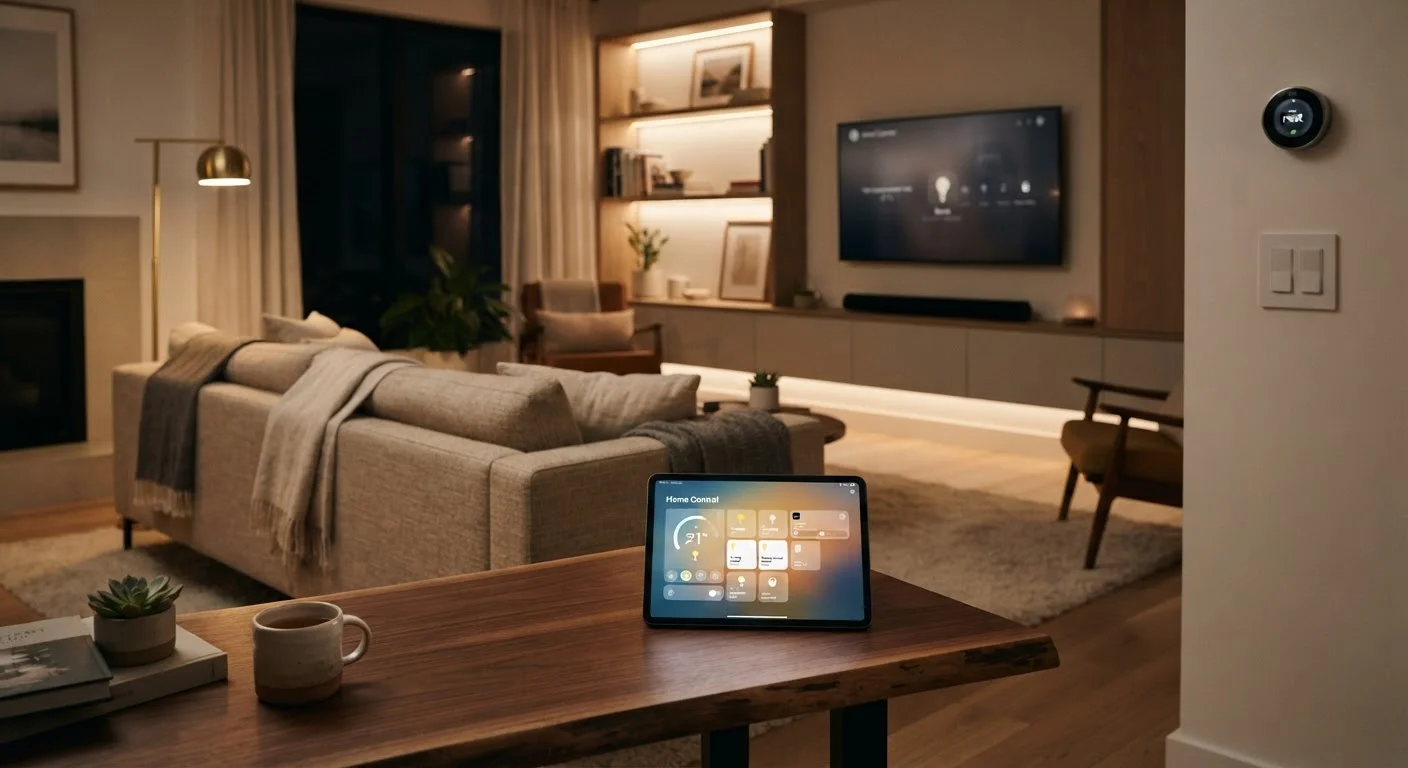
Photo: UnlockTopics.com | Unlocking Trending Content editorial
Key Takeaways
- Your home network's quality directly determines how reliably every connected device performs.
- Choosing a single ecosystem early reduces compatibility headaches significantly over time.
- Start with two or three high-impact devices before expanding your setup.
- Automations should solve a real daily friction point, not just demonstrate technical capability.
- Security hygiene — unique passwords, firmware updates — is non-negotiable for connected devices.
- A reliable smart home is built incrementally, not assembled all at once.
What a Connected Home Actually Is
A connected home — often called a smart home — is any household where devices communicate with each other or with the internet to respond to commands, schedules, or sensor data. That can be as modest as a single smart bulb you dim with your phone, or as layered as a system where your thermostat, locks, lights, and appliances all coordinate automatically.
The goal is always the same: reduce the small daily frictions that add up over time. Rather than walking to the thermostat every morning, your heating adjusts when your alarm goes off. Rather than wondering whether you left the front door unlocked, you check an app. These conveniences compound when a system is thoughtfully planned — and frustrate when it isn't.
Before buying anything, it helps to understand that connected home technology is built on layers: the network that carries data, the devices that send and receive it, and the software ecosystem that ties everything together. Each layer affects the others. Getting that foundation right is what separates a home that feels effortless from one that requires constant troubleshooting. See what first-time smart home owners should understand before committing to any hardware.
Start With Your Network
Every smart device in your home relies on your Wi-Fi or a related wireless protocol — Zigbee, Z-Wave, or Thread — to communicate. A slow, unstable, or poorly positioned router doesn't just affect your laptop streaming speed; it makes smart devices unresponsive, creates lag on voice commands, and causes automations to fail unpredictably.
57%
US households with at least one smart device
According to Parks Associates research, more than half of US broadband households owned at least one smart home device as of recent reporting periods.
2.4 GHz vs 5 GHz
Wi-Fi bands affecting smart device range
Most smart home devices connect on the 2.4 GHz band for longer range; the 5 GHz band offers faster speeds but shorter coverage — understanding this helps with placement.
30%
Potential heating and cooling energy savings
The U.S. Department of Energy notes that programmable and smart thermostat use can meaningfully reduce HVAC energy consumption, with estimates typically in the range of 10–30% depending on prior usage patterns.
Before adding any devices, assess your current network. A mesh Wi-Fi system — one that uses multiple access points distributed through your home — is often worth considering for larger floor plans where a single router leaves dead zones. Dedicated IoT (Internet of Things) networks, where smart devices connect to a separate Wi-Fi band from your personal computers and phones, can also improve stability and security.
For a deeper understanding of why your router setup matters more than any individual gadget, your home network is the foundation of every smart device you own.
Choosing an Ecosystem
An ecosystem is the platform — and often the brand or standards group — that your devices use to talk to each other. The major platforms in the US market include Amazon Alexa, Google Home, and Apple HomeKit. A newer interoperability standard called Matter, launched in 2022, aims to let devices from different ecosystems work together, though adoption is still maturing.
Before committing to an ecosystem, check whether the devices you already own — smart TVs, existing speakers, or a security camera — have native support for it. Compatibility you already have is compatibility you don't have to buy.
When in doubt, choose devices that support Matter — the cross-platform interoperability standard — so you retain flexibility to switch primary ecosystems without replacing hardware.
The practical advice here is to pick one primary ecosystem before buying your second device. Your first device can be almost anything. Your second purchase is where ecosystem lock-in begins. If you're already deep in the Apple ecosystem with iPhones and Macs, HomeKit may feel most natural. If your household uses Android phones primarily, Google Home offers tighter integration.
Mixing ecosystems is possible but introduces complexity. A device that works natively with Alexa but only partially with Google Home will require workarounds that erode the reliability you're trying to build. Understanding protocols and compatibility risks before you install anything can save significant headaches later.
Devices That Deliver Real Daily Value
Not every connected device earns its place. Some categories consistently prove their usefulness; others add complexity without meaningful benefit. A practical starting point for most households includes:
- Smart lighting: Dimmable, schedulable bulbs or switches reduce energy use and enable mood-appropriate scenes without manual adjustment.
- A smart thermostat: Learns or allows scheduling of heating and cooling, reducing waste during empty hours without sacrificing comfort.
- Smart plugs: Transform ordinary lamps and appliances into scheduled or voice-controlled devices at low cost and zero installation effort.
- A video doorbell: Provides remote visibility of your front door, package deliveries, and unexpected visitors.
- A smart lock: Enables keyless entry, temporary access codes for guests or service providers, and remote locking confirmation.
Avoid Buying in Bulk Before Testing
Resist the impulse to automate everything at once. Adding too many devices before you understand how your ecosystem handles them creates a tangle of conflicting rules and unreliable behavior. Start with two or three devices, live with them for a few weeks, and expand deliberately.
Building Automations That Actually Work
Automations are where a connected home shifts from convenient to genuinely intelligent. An automation is a rule: when X happens, do Y. When you arrive home, unlock the door and turn on the entryway lights. When the last person leaves, set the thermostat to an energy-saving mode.
The most reliable automations are triggered by concrete, predictable events — a specific time, a location signal from a phone, or a sensor reading a closed door. Automations triggered by vague conditions or that chain too many devices together are more likely to fail and harder to diagnose when they do.
Map Your Friction Points First
Keep a short list of the five daily tasks that feel most repetitive or annoying — turning off forgotten lights, adjusting the thermostat on your way to bed, checking the door before sleep. These are your best automation candidates, because they have clear triggers and obvious value. Abstract automations you don't notice working offer little return on the setup time they cost.
Security and Privacy Considerations
Connected devices expand the number of entry points into your home network. A smart camera or thermostat with a default or reused password is a potential vulnerability. Basic security hygiene is not optional for a connected home — it's structural.
Change Default Passwords Immediately
Every connected device should have a unique, strong password on its account, and your router's admin password should be changed from its factory default. Enable two-factor authentication on any ecosystem account that supports it. Treat your smart home accounts with the same security seriousness as your email or banking login.
Privacy is a related but separate concern. Many smart devices — particularly voice assistants and cameras — process data in the cloud, which means audio clips or footage may be stored on external servers. Review the privacy settings and data retention policies of any device before installing it, especially in private spaces like bedrooms. You can often limit what data is retained without losing core functionality.
Keeping Your Smart Home Running Reliably
A connected home requires occasional maintenance to stay reliable. Firmware updates — software patches for individual devices — fix bugs and security vulnerabilities. Most platforms offer automatic updates, but it's worth confirming this setting is enabled for every device in your system.
When devices behave unexpectedly, the most common causes are a network disruption, a failed firmware update, or a change in a cloud service the device depends on. Rebooting the device and checking your router's status resolves the majority of issues without deeper troubleshooting.
Plan for obsolescence. Smart home devices depend on ongoing software support from manufacturers. A device whose app or cloud service is discontinued becomes a paperweight. Favoring devices that use open standards like Matter or Thread reduces — though doesn't eliminate — this risk. Explore more informed buying decisions for home tech and smart home upgrades that improve daily comfort to continue building thoughtfully.
“The smart home of the future isn't about the cleverest technology — it's about the technology you stop noticing because it just works.”
— Consumer Technology Association, Industry trade organization representing the US consumer technology sector
The content on this site is for informational purposes only and is not a substitute for professional advice. Always consult a qualified professional for guidance specific to your situation.