
Everything a First-Time Smart Home Owner Should Understand Before Buying Anything

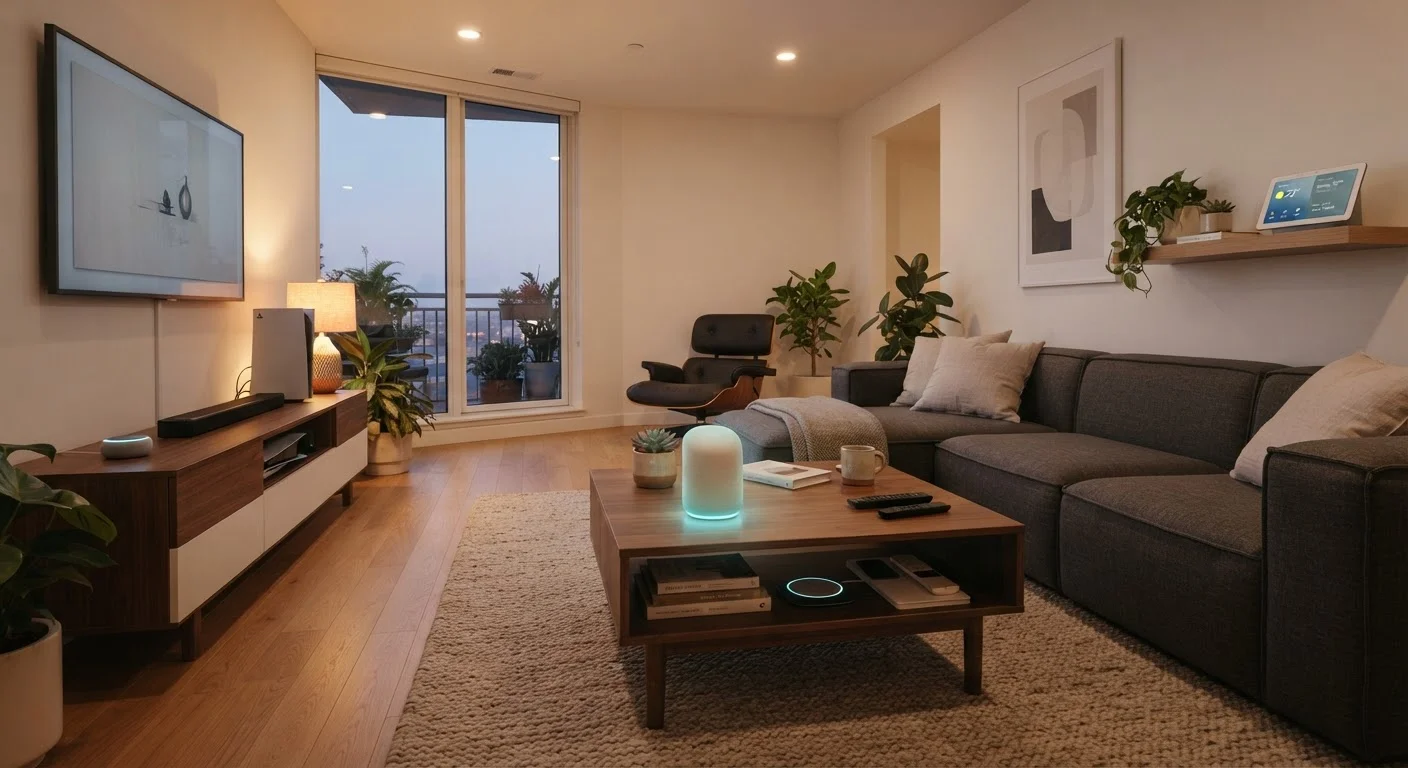
Photo: UnlockTopics.com | Unlocking Trending Content editorial
Key Takeaways
- Smart home devices only deliver real value when they're compatible with each other and with your chosen ecosystem.
- Choosing an ecosystem early prevents costly lock-in and avoids devices that won't communicate.
- Automation rules let devices respond to conditions automatically — no app tap required.
- Security and privacy settings need active attention; default configurations are often insufficient.
- Starting small with one room or category reduces complexity and helps you learn the system.
What 'Smart Home' Actually Means
A smart home is a residence where devices — lights, locks, thermostats, speakers, cameras, and appliances — connect to a network and can be monitored or controlled remotely, automated, or made to respond to conditions in the environment. The phrase is broad enough to cover a single smart bulb in a bedroom lamp and an elaborate whole-house system managing dozens of devices.
What makes these devices 'smart' is their ability to send and receive data. A regular thermostat sits at a fixed temperature until you turn the dial. A smart thermostat can adjust itself based on your schedule, detect when you've left the house, or be changed from a phone on the other side of the world.
The underlying idea is convenience, efficiency, and occasionally safety — but none of that happens automatically just because a device says 'smart' on the box. It requires a bit of planning upfront.
Ecosystem
The platform — app, voice assistant, and cloud service — that connects and manages all your smart devices. Examples include Amazon Alexa, Google Home, and Apple HomeKit.
Protocol
The wireless communication standard a device uses to send and receive data. Common examples are Wi-Fi, Zigbee, Z-Wave, Bluetooth, and Thread.
Hub
A central device that translates signals between different protocols and acts as the control point for smart devices in your home.
Automation
A programmed rule that tells smart devices to perform an action automatically when a specific trigger or condition occurs — no manual input needed.
Matter
An open connectivity standard designed to allow smart home devices from different brands to work across multiple ecosystems without compatibility problems.
Lock-in
The situation where your devices are so tied to one ecosystem that switching to a different platform becomes difficult, expensive, or impractical.
Ecosystems and Why They Matter
An ecosystem is the broader platform that ties your devices together under one roof — usually a combination of a mobile app, a voice assistant, and a cloud service. The three dominant ecosystems in the US market are built around Amazon Alexa, Google Home, and Apple HomeKit. Each has its own strengths, app interface, and device compatibility lists.
The critical decision: most devices are designed to work best — sometimes exclusively — within one ecosystem. A device fully supported in one platform may have limited or no functionality in another. This is often called lock-in: the more devices you commit to one ecosystem, the harder it becomes to switch later.
Before buying anything, identify which ecosystem aligns with the devices you already own (phone, tablet, voice assistant) and which one has the strongest support for the device categories you care most about. The open standard called Matter is gradually reducing these walls, allowing certified devices to work across multiple platforms — but Matter adoption is still maturing and doesn't cover every product type.
For a deeper look at how ecosystems affect long-term costs, see the hidden costs of smart home ownership.
Protocols, Hubs, and How Devices Talk
Devices in a smart home communicate using wireless protocols — sets of rules for how data is transmitted. The most common ones are:
- Wi-Fi: Built into most home routers. Easy to set up, but adds load to your network and typically requires a cloud connection to function.
- Zigbee: A low-power mesh network where devices relay signals to each other, extending range. Requires a compatible hub.
- Z-Wave: Similar to Zigbee in concept, operates on a different frequency, and also requires a hub. Generally considered reliable for larger installations.
- Bluetooth / Thread: Short-range protocols suited for devices close to your phone or a hub. Thread underpins much of the Matter standard.
A hub is a central device that translates between protocols and acts as the command center for your system. Not all setups require one — Wi-Fi devices can often connect directly to your router and an app — but homes with Zigbee or Z-Wave devices will need one. See our plain-language guide to setting up a smart home hub for a step-by-step walkthrough.
Protocol Affects Your Long-Term Flexibility
Automation Logic: Making Devices Work Together
Manual control — tapping an app to turn on a light — is the entry point, but automation is where smart homes earn their name. Automations are rules that tell your devices to act based on triggers and conditions without any input from you.
Common examples:
- Turn off all lights when the last person leaves the house.
- Set the thermostat to a lower temperature at 11 PM on weekdays.
- Turn on an entryway light when a door sensor detects the front door opening after sunset.
Most ecosystems use an if-this-then-that logic structure: if a trigger occurs (motion detected, time reached, sensor reading crossed a threshold), then an action fires (device turns on, notification is sent, another device changes state). Some platforms allow more complex multi-step routines.
The quality of your automations depends directly on the sensors you have. A motion sensor, a door/window contact sensor, a temperature sensor — each one becomes a potential trigger. When planning your setup, think in terms of what information you'd want the system to detect, not just which devices you want to control.
Map Your Home Before You Automate
Privacy and Security Basics
Every connected device in your home is a potential entry point to your network. While the risk shouldn't be overstated, it also shouldn't be ignored. A few foundational practices make a meaningful difference:
- Use strong, unique passwords for every device account and your home router. A password manager makes this practical.
- Keep firmware updated. Manufacturers patch known security vulnerabilities through updates. Enable automatic updates where available.
- Separate your IoT devices onto a guest or dedicated network. Most modern routers support this. It means that if a smart device is compromised, the attacker doesn't automatically have access to your computers and phones.
- Review app permissions. Many smart home apps request access to location, microphone, or contacts that aren't needed for core functionality. Limit permissions to what the device genuinely requires.
Privacy also involves data collection. Smart speakers with microphones and cameras with continuous recording generate data that is stored, sometimes processed by third parties, and subject to the platform's privacy policy. Reviewing those policies before setup is worthwhile.
For a broader overview of device types and their compatibility considerations, visit what to know about smart home devices before you install anything.
Default Settings Are Often Insufficient
Where to Begin
The most common mistake first-time smart home owners make is buying too many devices at once before understanding how the pieces fit. A more effective approach: start with a single room or a single device category, learn how it integrates with your chosen ecosystem, and expand from there.
A logical first category is lighting — it's low-risk, easy to reverse, and gives you hands-on experience with app control and basic automations. A smart plug is another accessible starting point that lets you make almost any lamp or appliance remotely controllable without rewiring anything.
Once you're comfortable with the basics, you can begin layering in sensors, additional device types, and more sophisticated automation routines. The complete guide to building a connected home covers that full progression from planning through multi-room automation.
Understanding the ecosystem, protocol, and automation concepts in this guide before your first purchase gives you a framework for evaluating every device you'll encounter going forward — and helps you avoid the compatibility surprises that frustrate so many early adopters.
Frequently Asked Questions
The content on this site is for informational purposes only and is not a substitute for professional advice. Always consult a qualified professional for guidance specific to your situation.