
Smart Home Devices Worth Understanding Before You Install Anything

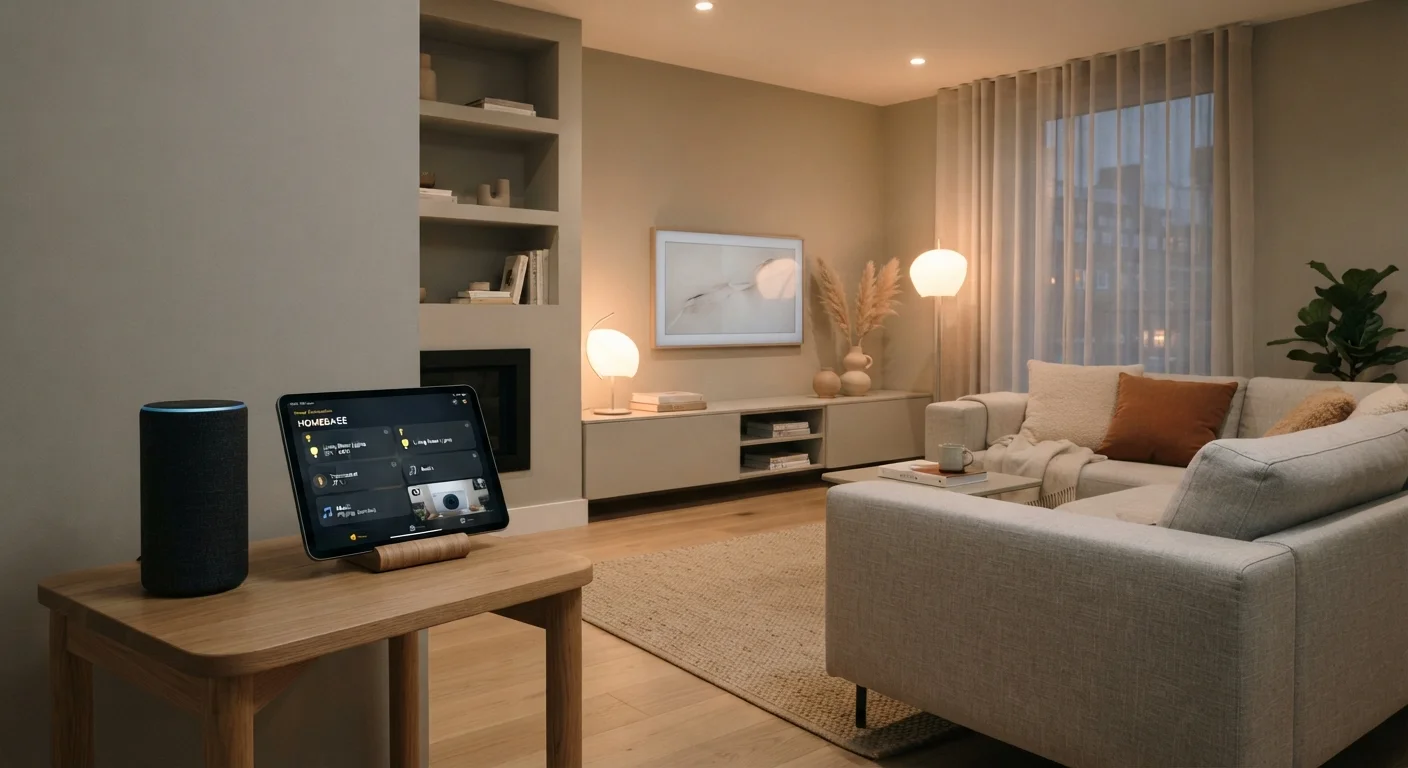
Photo: UnlockTopics.com | Unlocking Trending Content editorial
Key Takeaways
- Smart devices communicate using different protocols - and mixing incompatible ones causes frustration.
- Choosing an ecosystem early shapes every device purchase you make afterward.
- The Matter standard is making cross-brand compatibility more realistic, but gaps still remain.
- Starting with one or two low-risk devices lets you test a setup before committing further.
- Hidden ongoing costs - subscriptions, hubs, energy use - often exceed the initial device price.
What Makes a Device 'Smart'
A smart home device is any piece of household equipment that connects to a network - usually your home Wi-Fi - and can be monitored or controlled digitally, either through an app, a voice assistant, or automated schedules. That covers a wide range: light bulbs, thermostats, door locks, security cameras, plugs, and more.
What separates a smart device from a regular one isn't the hardware alone - it's the communication layer. A smart thermostat doesn't just respond to a dial; it sends and receives data, learns patterns, and can be adjusted remotely. Understanding that layer is the foundation for making good purchasing decisions. For a broader orientation to how these devices fit together, see everything a first-time smart home owner should know.
Protocol
The communication standard a device uses to send and receive data - examples include Wi-Fi, Zigbee, Z-Wave, and Matter. Devices must share a protocol (or have a translator) to work together.
Ecosystem
A platform or environment - usually tied to a voice assistant or hub brand - within which smart devices are designed to function together. Mixing ecosystems often causes compatibility problems.
Hub
A central device that acts as a translator or coordinator for smart home devices that don't connect directly to Wi-Fi, such as those using Zigbee or Z-Wave.
Matter
An industry-backed smart home protocol designed to let devices from different manufacturers work together over a local network, reducing dependence on any single company's cloud.
Local control
The ability of a smart device to function using your home network alone, without needing to connect to an external company server. Devices with local control are less vulnerable if a company's service shuts down.
Mesh network
A type of wireless network where each device can relay signals to others, extending coverage across a home. Zigbee and Z-Wave both use mesh networking.
Protocols and Why They Matter
A protocol is the language devices use to talk to each other and to your network. The most common ones in home use are Wi-Fi, Zigbee, Z-Wave, and the newer Matter standard. Each has trade-offs.
- Wi-Fi devices are easy to set up - they join your existing network and need no extra hardware. The downside: they can congest a crowded router and tend to be more cloud-dependent.
- Zigbee and Z-Wave devices form their own mesh networks, which can be more reliable over distance. But they require a dedicated hub, adding setup complexity and cost.
- Matter is a newer, manufacturer-backed standard designed to let devices from different brands work together over your local network without depending on a cloud server. Support is expanding but not yet universal.
Mismatched protocols are the single most common source of smart home frustration. Before any purchase, confirm which protocol a device uses and whether your existing setup - or planned hub - supports it. If you run into connectivity issues later, understanding what causes smart devices to stop working can help you diagnose the problem.
Check Protocol Compatibility First
Ecosystems and Lock-In Risk
Most smart home devices are designed to work within a specific ecosystem - a platform built around a voice assistant or hub (such as those tied to major consumer tech companies). Choosing an ecosystem isn't just a preference; it's a structural decision. Devices optimized for one platform often offer limited or no functionality when paired with a competing one.
Lock-in risk is real. If a device relies on a company's cloud servers for core functions and that service is discontinued, the device may stop working entirely - a problem sometimes called being 'bricked.' Prioritizing devices that support local control (operating on your home network without depending on external servers) reduces this exposure.
Data collection is a related concern. Smart devices - especially cameras and voice assistants - gather information about your household's habits and routines. Our guide to smart home privacy covers what's typically collected and what controls you have. Also factor in ongoing expenses: hidden costs beyond the device price tag - including subscriptions and hub requirements - can add up significantly over time.
Cloud Dependency Can Leave You Without a Device
Where to Start Without Overcommitting
The most practical entry point is a device that delivers clear, immediate value with minimal setup commitment. Smart plugs and smart bulbs both fit this description. They're inexpensive, require no hub (most use Wi-Fi), and let you evaluate your router's coverage, your comfort with app-based control, and your actual day-to-day interest in automation - before you invest in anything harder to reverse.
A few guiding questions before any purchase:
- Which protocol does this use? Confirm it works with what you already own.
- Does it require a hub? Factor in that additional cost if so.
- Does it need a subscription for full functionality? Check before you buy, not after.
- Does it support local control? Devices that work without cloud dependency are more future-proof.
- Is it Matter-compatible? This gives you more flexibility as your setup grows.
Once a device is installed, protect it properly. smart hubs and plug-in devices benefit from surge protection, and it's worth reading the warranty carefully before you commit. For a broader view of smart home shopping decisions, explore the smart shopping hub or the home tech basics hub.
Frequently Asked Questions
The content on this site is for informational purposes only and is not a substitute for professional advice. Always consult a qualified professional for guidance specific to your situation.