
Streaming Stick, Streaming Box, or Smart TV App: How They Actually Compare

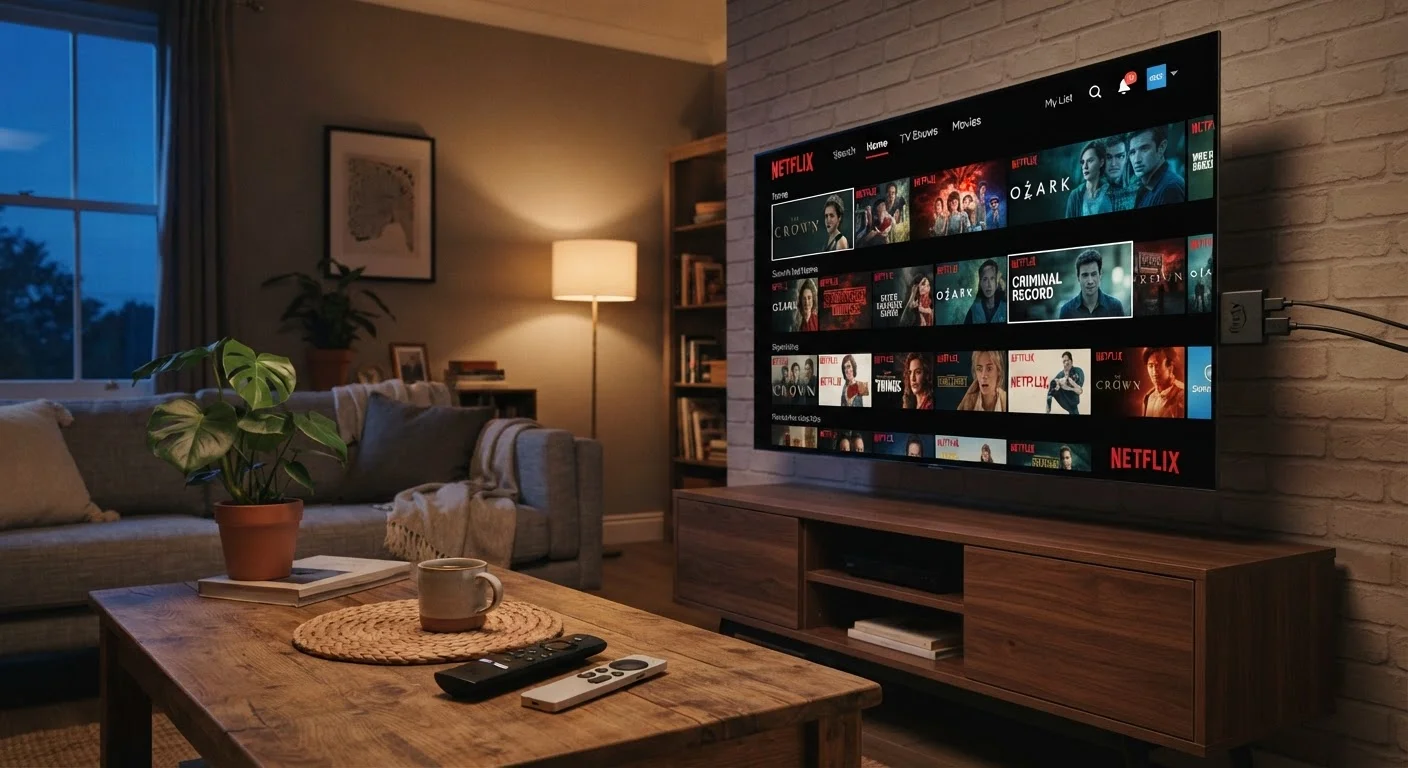
Photo: UnlockTopics.com | Unlocking Trending Content editorial
Key Takeaways
- Streaming sticks are compact and affordable but depend on your TV's USB port for power and offer limited storage.
- Streaming boxes typically deliver more processing power, storage, and connectivity options than sticks.
- Built-in smart TV apps are the most convenient option but often receive software updates less frequently than dedicated devices.
- Older TVs with sluggish built-in software benefit the most from adding an external streaming device.
- Your choice should reflect how you actually use your TV — casual viewers and power users have different needs.
What Each Option Actually Is
Before comparing them, it helps to understand what each device category actually does — because the marketing language tends to blur the lines.
Built-in smart TV apps are software pre-installed by the TV manufacturer. Platforms like Roku TV, Google TV, Amazon Fire TV, and Tizen (Samsung) are baked into the television itself. No extra hardware is needed.
Streaming sticks are compact plug-in devices — typically HDMI dongles — that run their own operating system independently of the TV. They draw power from a USB port and transform any HDMI-equipped display into a smart streaming device.
Streaming boxes are standalone set-top devices connected via HDMI. They run on dedicated hardware with their own processors, RAM, and storage, and usually sit beside or behind the TV. They use a separate power adapter rather than pulling from the TV's USB port.
All three ultimately do the same job: let you access streaming apps on a television screen. The differences lie in how well and how long they do it. For a broader look at how storage and memory affect device performance, see how RAM and internal storage work.
Performance and Longevity: Where the Gaps Appear
This is where the three options diverge most clearly.
Smart TV apps run on hardware that was fixed at the moment the TV was manufactured. Manufacturers typically support built-in platforms with updates for a few years, but the underlying processor and RAM don't change. On many mid-range or older TVs, this can mean sluggish app loading, delayed remote responses, or apps that eventually stop receiving updates before the display itself wears out.
Streaming sticks use dedicated chips optimized for streaming tasks, which tends to make them snappier than older built-in platforms. However, their compact size limits thermal headroom and internal storage — meaning heavy multitasking or downloading large apps can cause slowdowns on lower-end models.
Streaming boxes generally carry the most capable hardware of the three. More RAM, faster processors, and greater onboard storage translate to smoother navigation, faster app launches, and support for higher-end video formats like Dolby Vision and Atmos — though specific feature availability varies by model. Because they're separate purchases, you can also replace a box without buying a new TV, extending the overall lifespan of your home theater setup.
| Smart TV App | Streaming Stick | Streaming Box | |
|---|---|---|---|
| Setup complexity | None — built in | Low — plug into HDMI | Moderate — separate power and cables |
| Typical hardware lifespan | Fixed to TV age | 3–5 years | 4–6+ years |
| Processing power | Varies by TV model | Moderate | Generally highest |
| Wired Ethernet option | Rarely available | Rarely available | Common on most models |
| Portability | None | High — pocket-sized | Low — stationary device |
| Extra remote needed | No | Usually (CEC reduces reliance) | Yes |
| Software update frequency | Manufacturer-dependent | Regular from device maker | Regular from device maker |
For context on the TV specs that affect how your chosen streaming method actually looks on screen, our TV specs glossary breaks down resolution, refresh rate, and panel types without the jargon.
Setup, Flexibility, and Everyday Convenience
Convenience looks different depending on your situation.
Built-in apps win on simplicity. There's nothing to set up, no extra remote to manage, and no additional device cluttering your entertainment center. If your TV is relatively new and the platform runs smoothly, this is genuinely the lowest-friction option.
Streaming sticks are nearly as simple — plug in, connect to Wi-Fi, and you're running. Their portability is a real advantage if you travel frequently or move the device between rooms. The trade-off is that you're adding a second remote (though most sticks support HDMI-CEC, which lets your TV remote handle basic functions).
Streaming boxes involve more setup — a power cable, HDMI cable, and potentially additional configuration — but they also offer more connectivity. Many include Ethernet ports for a wired internet connection, which can meaningfully improve stream stability compared to Wi-Fi alone. Some also offer expandable storage or USB ports for additional flexibility.
Check HDMI-CEC Before Adding a Remote
It's also worth noting that price doesn't always correlate with the right fit for your household. Understanding when premium hardware is worth it can help you calibrate expectations before spending more than you need to.
Which Setup Makes Sense for Your Household
The honest answer is that all three work — and for many households, the built-in platform on a recent TV is perfectly adequate. The question is whether it's adequate for you.
If your TV is more than three or four years old and the interface feels noticeably slow, adding a streaming stick or box is likely to improve your daily experience more than any setting adjustment will. The device effectively sidelines the built-in software entirely.
If you're setting up a secondary bedroom TV or a guest room display, a streaming stick usually offers the right balance of cost and capability without overengineering the setup.
If you've built a dedicated home theater or you regularly stream in 4K with high-dynamic-range content, a streaming box's additional headroom tends to justify the larger footprint and cost — not because the other options necessarily fail, but because consistency matters more in demanding use cases.
One consideration that often gets overlooked: ecosystem. If you're already invested in a particular voice assistant or smart home platform, the streaming device you choose may integrate more or less smoothly depending on compatibility. Smart speaker and display compatibility is a related factor worth thinking through if voice control matters to your setup.
~3–4 years
Typical smart TV software support window
Most TV manufacturers provide platform and app updates for roughly three to four years after a model's release, after which built-in apps may stop receiving updates even if the display still functions.
~80%
US households with at least one streaming device
According to Leichtman Research Group data, the large majority of US television households use some form of streaming — whether via a built-in platform or an external device.
The content on this site is for informational purposes only and is not a substitute for professional advice. Always consult a qualified professional for guidance specific to your situation.