Mistakes People Make When Choosing a Monitor — and Why They Matter

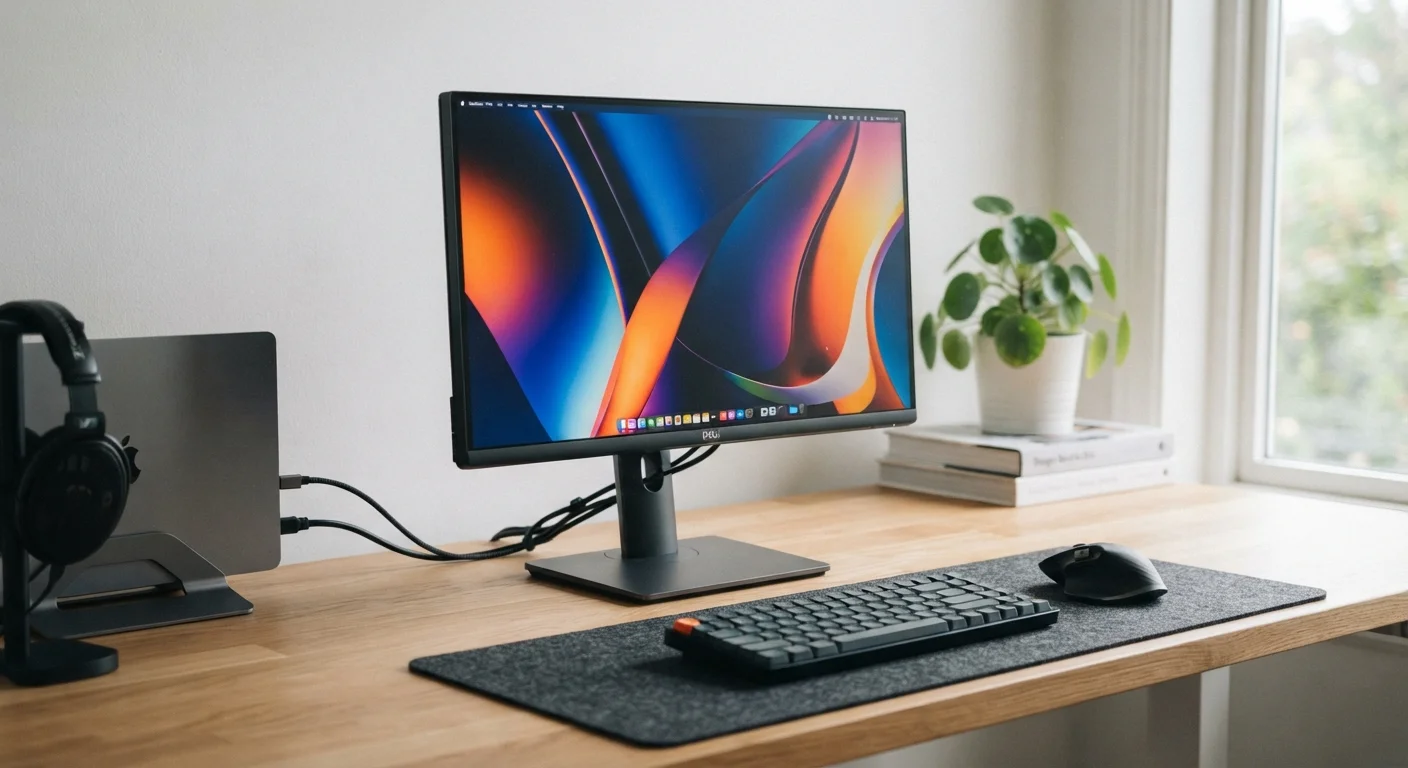
Photo: UnlockTopics.com | Unlocking Trending Content editorial
Key Takeaways
- Refresh rate affects how smooth motion looks, not just how sharp the image is.
- Panel type determines color accuracy, viewing angles, and response time for your use case.
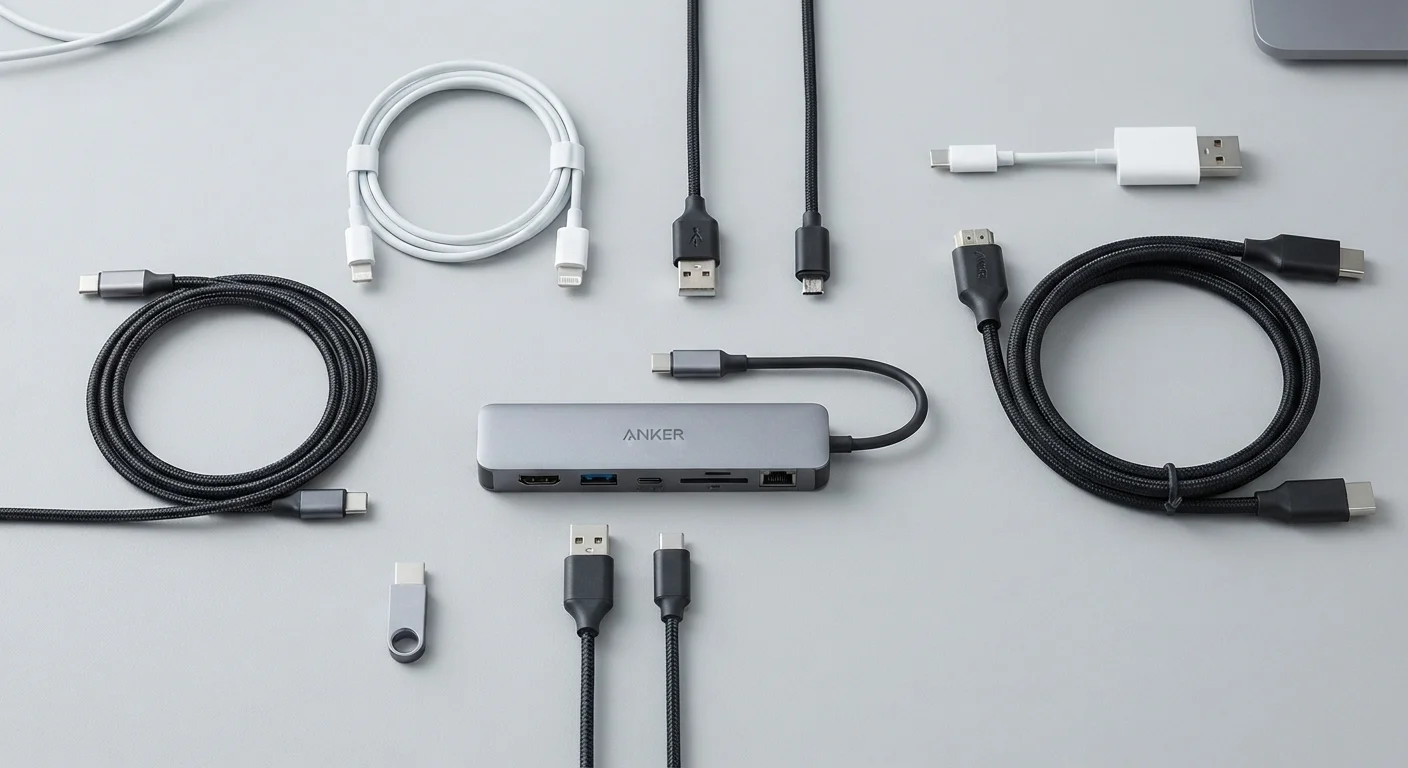
- Connectivity matters — mismatched ports between monitor and device cause real compatibility issues.
- Viewing distance and room lighting should influence resolution and size decisions.
- Ergonomic adjustability is often overlooked but significantly affects long-term comfort.
Why Monitor Specs Are So Easy to Misread
Monitors are deceptively straightforward on the surface — a screen is a screen, right? In practice, the spec sheet for any given display contains several independent variables that interact with each other and with your specific setup. Buyers who focus on one number (usually resolution or screen size) while ignoring others often end up disappointed after setup.
This mirrors a pattern seen across display purchasing decisions more broadly. Our TV resolution and panel type glossary shows the same confusion playing out with televisions — and a computer monitor involves all the same variables, often at closer viewing distances where errors are more noticeable.
The good news: once you understand what each spec actually measures, the decision becomes much more manageable.
Choosing monitor size without considering viewing distance.
Ignoring panel type — treating all screens as interchangeable.
Overlooking refresh rate for non-gaming uses.
Not checking port compatibility before purchasing.
Ignoring ergonomic adjustability features.
Assuming a high-resolution display always looks better in their environment.
Putting It Together Before You Buy
The most reliable approach is to define your primary use case before looking at any specs. Are you editing photos or video? Gaming? Doing extended document work? Each scenario weights certain specs differently — color accuracy matters more for creative work, while refresh rate and response time matter more for gaming.
Resolution Alone Doesn't Tell the Whole Story
Connectivity is another pre-purchase step worth taking seriously. If you're also evaluating a laptop, the laptop pre-purchase walkthrough covers port selection in detail — and the same logic applies in reverse when you're picking a monitor to pair with it.
Ergonomics and room conditions — desk depth, ambient light, glare sources — should be noted before you shop, not after. A display that looks sharp in a showroom may wash out near a bright window at home. Taking ten minutes to assess your actual setup environment can save hours of returns and readjustment.
For broader guidance on making informed hardware decisions, the Smart Shopping hub covers practical frameworks for evaluating purchases across categories.
60Hz vs 144Hz
Refresh rate range across typical consumer monitors
The difference between 60Hz and higher refresh rates is visibly noticeable to most users during everyday scrolling and video, not just gaming.
24–27 in
Common comfortable monitor size at desk distance
Display ergonomics guidance generally places this range as well-suited for typical desk setups where the viewer sits roughly arm's length away.
The content on this site is for informational purposes only and is not a substitute for professional advice. Always consult a qualified professional for guidance specific to your situation.